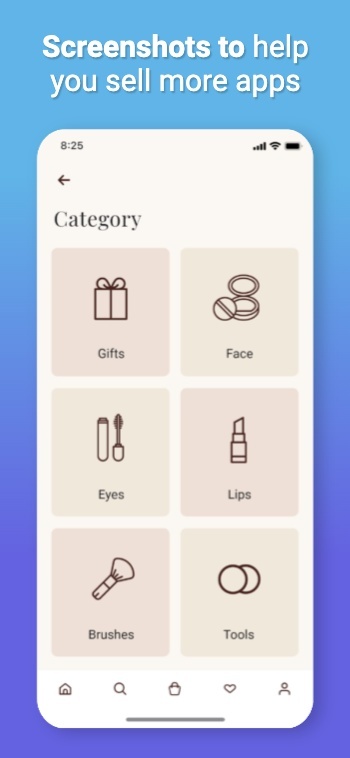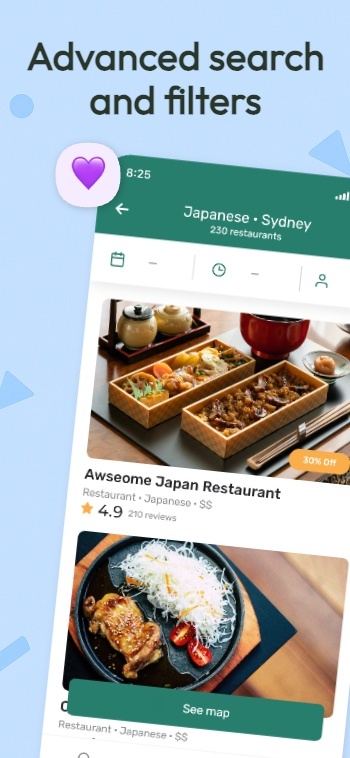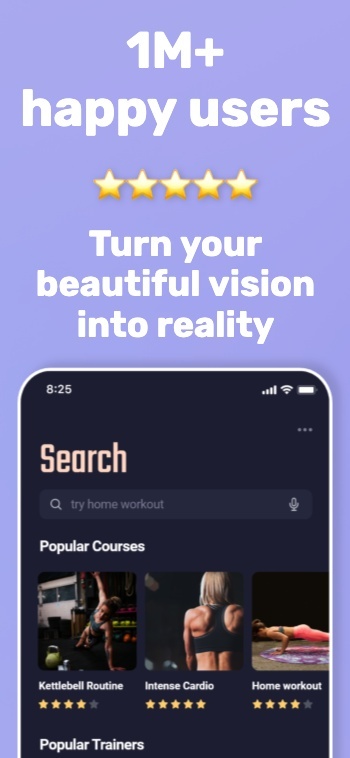














Background waves
  • google play store console logo
  • google play store logo
  • google play store logo
Updated Play Store requirements for 2026

Google Play Screenshot Sizes and Requirements

Detailed Google Play screenshot size guidelines, aspect ratios, and feature graphic requirements for Android apps.

100,000+

App professionals

9,472,667

Screenshots created

≈59,211

Developer days saved

As recommended by teams on

AppRadarAppSumoGitHubiOS Dev WeeklyProduct HuntRedditStack OverflowTwitterYouTubeFlutterFlowiOS Dev ToolsApp Masters

Google Play Console Sizes and Guidelines for every Android device type

Google Play Store Listing Assets and Screenshot Requirements (2026)

Play Console validates your listing by asset type and by device type. This guide covers what you must upload to publish, plus the device-specific screenshot rules that commonly trigger upload errors.

- Where you upload: Play Console → Grow users → Store presence → Main store listing → Graphics.- Required to publish: App icon, short description, feature graphic, and at least 2 screenshots across different device types.- Screenshots per device type: Up to 8 each for phones, 7-inch tablets, 10-inch tablets, Chromebooks, Android TV, Wear OS, Automotive, and Android XR.- Global screenshot file rules: JPEG or 24-bit PNG (no alpha), 320px to 3840px, and max side cannot exceed 2× the min side.- Preview video: Optional, but shows before screenshots on the listing. Uses your feature graphic as the cover image.
Open Google’s official requirements

Tip: You can disable broader promotion using the “External marketing” toggle in Store settings.

Specifications by asset

Required assets to publish

Do this first

App icon

  • 32-bit PNG (alpha allowed)
  • 512 × 512
  • Max 1024 KB
  • No misleading badges or ranking text

Short description

  • 80 character limit
  • Describe the core value in plain language
  • Avoid ranking claims and calls to action

Keep it durable. Avoid seasonal copy that forces frequent edits.

Feature graphic

  • Required to publish
  • JPEG or 24-bit PNG (no alpha)
  • 1024 × 500
  • Used as the cover image for your preview video (if present)

Keep important elements near the center to reduce cutoff risk.

Screenshots by device type

Validated separately

Global screenshot rules

  • Minimum 2 screenshots across different device types
  • Up to 8 screenshots per device type
  • JPEG or 24-bit PNG (no alpha)
  • 320px min dimension, 3840px max dimension
  • Max side cannot be more than 2× the min side

Add alt text for accessibility (keep it under 140 characters).

Supported device types

PhonesTablets (7-inch)Tablets (10-inch)ChromebooksAndroid TVWear OSAndroid AutomotiveAndroid XR

Each device type has extra constraints below. Missing them can block publishing for that surface.

Preview video (optional, recommended)

Shown first

How to add it

  • Add a YouTube URL (not playlist or channel)
  • Do not include time parameters in the URL
  • Your feature graphic is used as the cover image
  • Video appears before screenshots on the listing

Must-pass checks

  • Ads disabled (no monetization)
  • Public or unlisted (not private)
  • Not age-restricted
  • Embeddable on Google Play

Keep the opening seconds focused on real in-app experience so viewers understand the value quickly.

Device-specific screenshot rules

Avoid blocks

Large screens (Chromebook + tablets)

  • Minimum 4 screenshots to show in-app experience
  • Upload between 1080px and 7680px
  • Use 16:9 (landscape) or 9:16 (portrait)
  • Avoid extra overlay text that can be clipped on some surfaces

Wear OS apps

  • At least 1 screenshot of the current Wear OS experience
  • Only the app interface (no frames, no extra graphics)
  • 1:1 aspect ratio, minimum 384 × 384
  • No transparent backgrounds or masking

Wear OS watch faces

  • At least 1 screenshot of the current watch face
  • Show variations if customizable
  • Only the watch face experience (no frames, no extra graphics)
  • 1:1 aspect ratio, minimum 384 × 384
  • No transparent backgrounds or masking

Android TV

  • Add at least 1 Android TV screenshot before publishing TV-enabled apps
  • TV screenshots are only shown on TV devices
  • TV banner is required: 1280 × 720, JPEG or 24-bit PNG (no alpha)

Android Automotive OS

  • Rules vary by category
  • If you upload Automotive screenshots: 2 portrait (800 × 1280) and 2 landscape (1024 × 768)
  • Screenshots must match the real Automotive experience

Android XR

  • Upload 4 to 8 screenshots
  • PNG or JPEG, up to 8MB each
  • 8:5 aspect ratio
  • Recommended 3840 × 2400 (minimum 1920 × 1200)
Learn more

Create App Store and Play Store Screenshots in Minutes, Not Hours

Pick a style, drop in your screens, and get a complete set of store-ready screenshots in minutes. AppScreens uses a responsive design engine, so one layout adapts across iOS and Android, in every language. When you’re ready, export upload-ready files or publish straight to App Store Connect and Google Play.

Creating screenshots shouldn’t take a weekend or a design degree.

Watch a walkthrough
Create screenshots for the Apple App StoreCreate screenshots for the Google Play StoreCreate screenshots for the Huawei App GalleryCreate screenshots for the Google Chrome StoreCreate screenshots for the Amazon App StoreCreate screenshots for the Microsoft Store
resize to galaxy
resize to ipad
resize to iphone
resize to pixel6
resize to watch

Start with an App Store Template

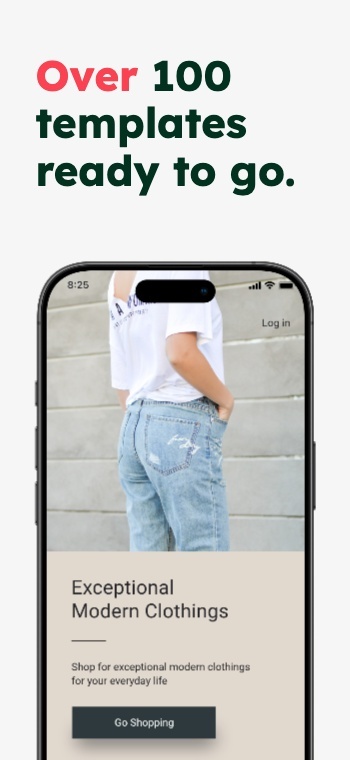
500+ pre-built layouts and templates for App Store & Google Play screenshots. Pick a template, customize fast, then export or upload with confidence.

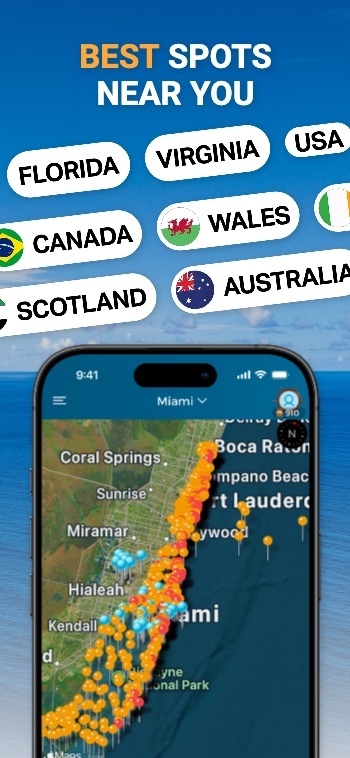
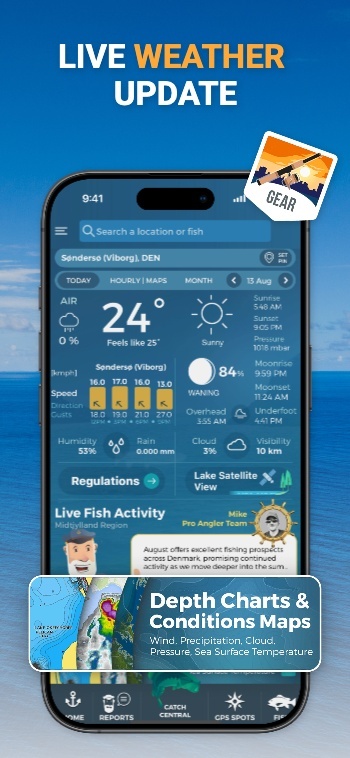
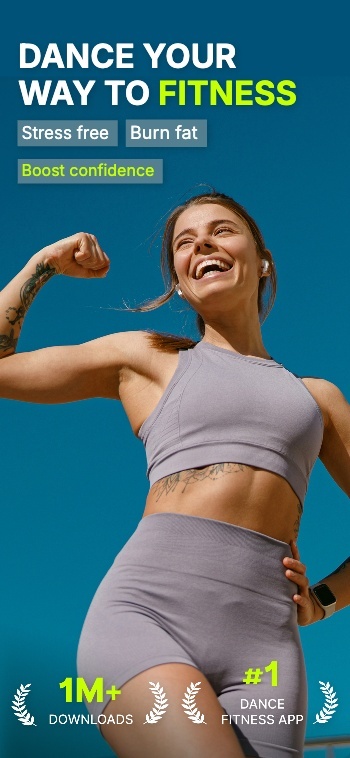
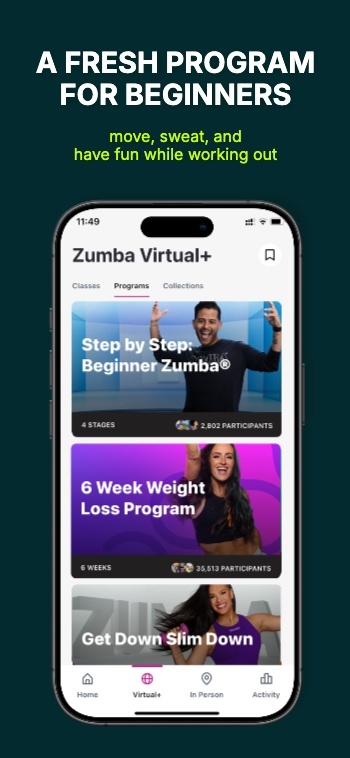
Screenshot 1Screenshot 2Screenshot 3Screenshot 4Screenshot 5Screenshot 6Screenshot 7Screenshot 8Screenshot 9Screenshot 10Screenshot 11Screenshot 12Screenshot 13Screenshot 14Screenshot 15Screenshot 15Screenshot 16Screenshot 17

App Screenshot Mockups

From App to Upload Ready Screenshots

AppScreens turns your app listing details into store-ready screenshots using a single responsive project. Generate every device size, translate into 80 languages (including RTL), export pixel-perfect files, and upload directly to the stores when you’re ready.

Select your appApp Store
Airbnb icon
AirbnbTravel
Dropbox icon
DropboxCloud storage
Loom icon
LoomVideo messages
Uber icon
UberMobility
Selected
Wise icon
WiseFinance
Shop icon
ShopShopping
Cosmos icon
CosmosProductivity
Retro icon
RetroWellness
Automatic uploads

One-click Screenshot Uploads to App Store Connect and Google Play Console

Automatically upload App Store screenshots and Google Play screenshots in one click. Publish every device size and localization without manual exports or drag-drop work.

Coming soon: Ship CPP (Custom Product Pages) and PPO (Product Page Optimization) variants with the same one-click flow.
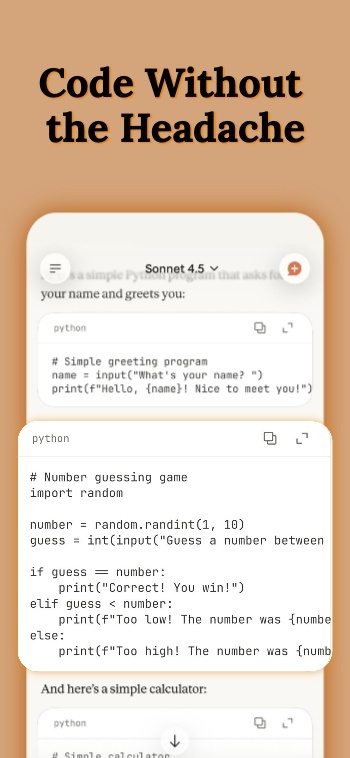
One-click uploads

App Store Connect

Google Play Console

All localizations

CPP + PPO variants

Publish faster →

Apple App Store Connect

App Store Connect

API Integration

Apple App Store
Uploading 400 assets (10 screenshots × 4 sizes × 10 languages) Live
Google Play Console

Google Play Console

API Integration

Google Play Store
Uploading feature graphic Live

Mockups included: real, clay, and 3D frames

Customize your App Store Screenshots

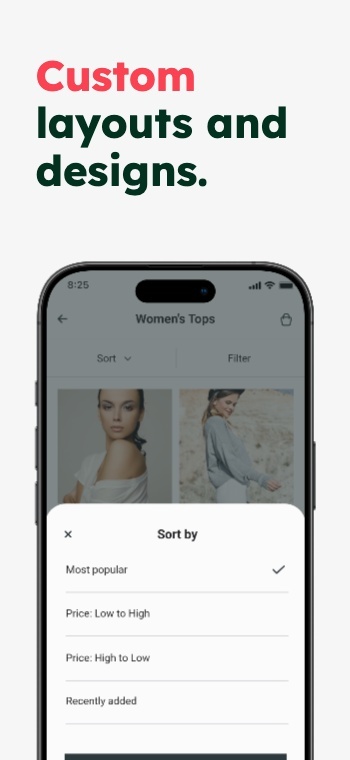
Customize frames, backgrounds, and titles. Make premium App Store and Google Play screenshots without heavy design work.

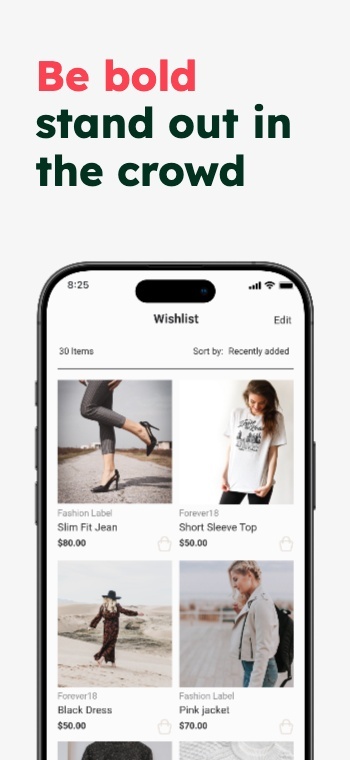
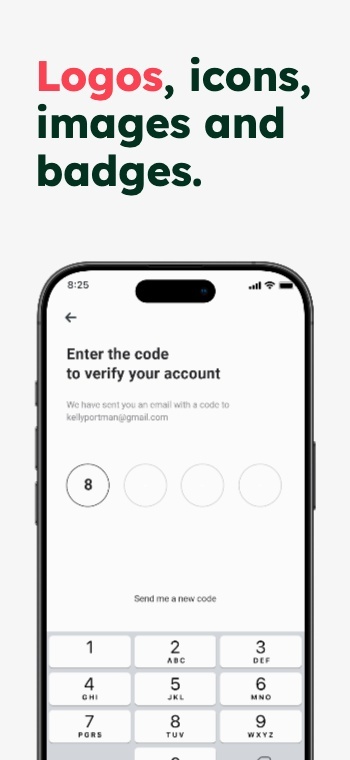
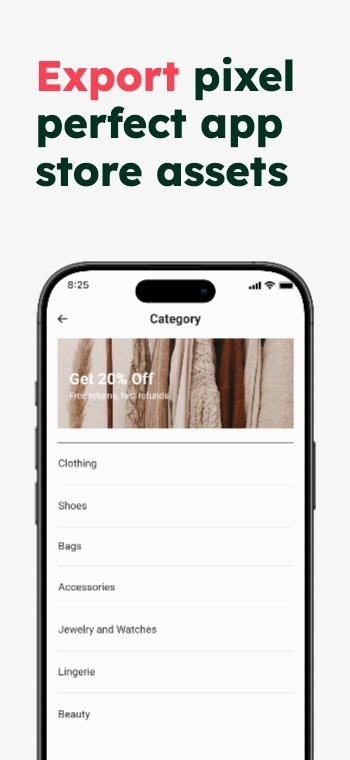
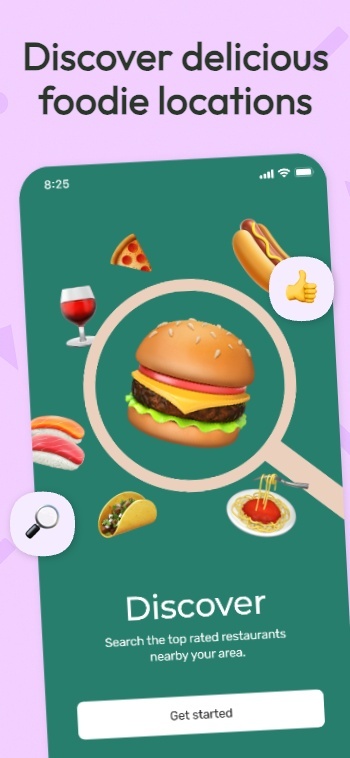
Customize hundreds of templates.

Inspired by Kmart: Screenshot 1Inspired by Kmart: Screenshot 2Inspired by Kmart: Screenshot 3Inspired by Kmart: Screenshot 4Inspired by Kmart: Screenshot 5Inspired by Kmart: Screenshot 6Inspired by Kmart: Screenshot 7Inspired by Kmart: Screenshot 8

Device frames.

Text, badges & icons.

Panoramic backgrounds.

Color: Screenshot 1Color: Screenshot 2Color: Screenshot 3Color: Screenshot 4Color: Screenshot 5Color: Screenshot 6Color: Screenshot 7Color: Screenshot 8
See templates

Translate & Localize Screenshots

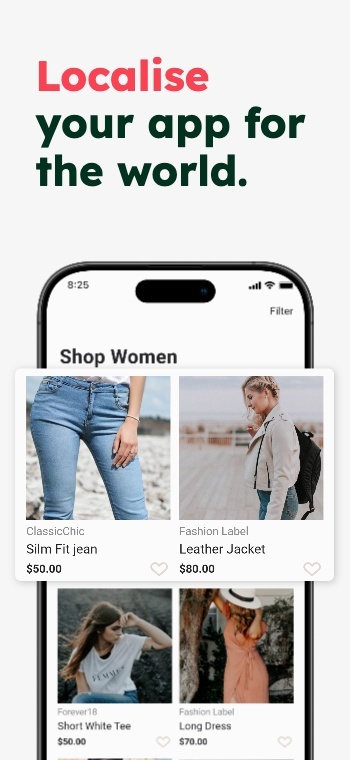
Localize App Store and Google Play screenshots in 80+ Languages

Translate once, then export every language from the same project.

Turn one screenshot set into localized App Store screenshots and Google Play screenshots for every market. AppScreens keeps layouts consistent when text expands, contracts, or flips direction, so your screenshots stay on brand and ready to upload.

Use AI to translate in seconds, then fine-tune per language when you need to. Override captions, fonts, screenshots, and spacing per locale, without duplicating projects or rebuilding layouts.

App Store Optimization = More Downloads

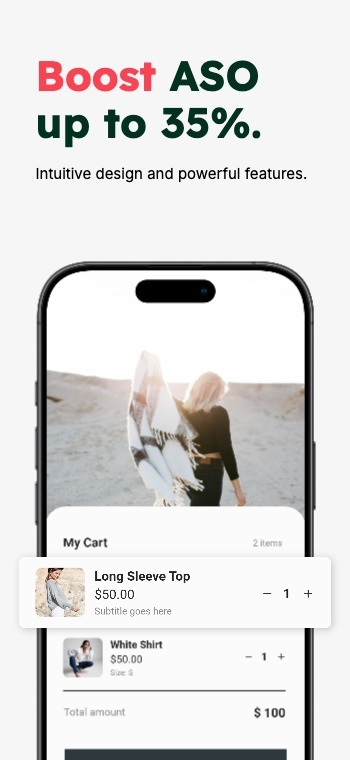
Improve ASO with better screenshots

App store screenshots are your app’s first impression. They help people picture what your app does and decide, in seconds, whether it’s worth installing. Great screenshots do more than look nice.

They explain the value fast, set expectations, and turn browsing into downloads. Ignore them, and you’re leaving one of the biggest levers in App Store Optimization on the table.

Make your value obvious in the first 3 screenshots

Test messaging and styles, measure conversions

Localize the pitch, not just the words

AppScreens makes screenshot iteration painless: restyle your project to a new template, responsive sizing, localization, and upload-ready exports. Using Product Page Optimizations & Experiments, you can try new screenshots, improve conversions and get more downloads in just a few minutes.

9:42

Search

Results

AppScreens icon

AppScreens

Screenshots & ASO

★★★★★4.9 - 2.3k ratings
GET
App Store preview screenshot 10App Store preview screenshot 11App Store preview screenshot 12
FlowShot icon

App

ASO & Product Demos

★★★★☆4.6 - 980 ratings
GET
App Store preview screenshot 1App Store preview screenshot 2App Store preview screenshot 3

We've Boosted Downloads for over 100,000 App Developers

Real feedback from app builders shipping faster and looking sharper on the App Stores.

@frankomyg
@frankomygvia X

“Looks like I have some preview screens! Thanks again to @AppScreensASO. Pretty good at handling different devices (iOS/Android) with multiple languages”

Matthew H
Matthew HCo-founder & Croppaco

“AppScreens is the quickest and easiest way I have found to create a polished and professional looking store presence.”

@pelingpt
@pelingptvia X

“With 100+ templates, you instantly capture that pro store vibe. My favorite feature is definitely the 70+ language support. A lifesaver for those who want to play globally.”

@aliByteCode
@aliByteCodevia X

“I tried @AppScreensASO for designing app store screenshots, and it saved me hours. The templates are super simple and clean. There’s no design stress. I highly recommend it for solo builders.”

@frankomyg
@frankomygvia X

“Looks like I have some preview screens! Thanks again to @AppScreensASO. Pretty good at handling different devices (iOS/Android) with multiple languages”

Matthew H
Matthew HCo-founder & Croppaco

“AppScreens is the quickest and easiest way I have found to create a polished and professional looking store presence.”

@pelingpt
@pelingptvia X

“With 100+ templates, you instantly capture that pro store vibe. My favorite feature is definitely the 70+ language support. A lifesaver for those who want to play globally.”

@aliByteCode
@aliByteCodevia X

“I tried @AppScreensASO for designing app store screenshots, and it saved me hours. The templates are super simple and clean. There’s no design stress. I highly recommend it for solo builders.”

Khandker I
Khandker Ivia Product Hunt

“As an app developer, screenshots play a big role for conversion. AppScreens makes it easy to generate and try out different kinds of screenshot.”

@perturbaattori
@perturbaattorivia X

“Couldnt be easier to make screenshots for our game @AppScreensASO”

@azamsharp
@azamsharpvia X

“appscreens.com has definitely made my life easier to create quality screenshots for the App Store!!”

@mateenchitrali
@mateenchitralivia X

“AppScreens is a fantastic tool that makes it super easy to create stunning, professional screenshots for your app store listings.”

Khandker I
Khandker Ivia Product Hunt

“As an app developer, screenshots play a big role for conversion. AppScreens makes it easy to generate and try out different kinds of screenshot.”

@perturbaattori
@perturbaattorivia X

“Couldnt be easier to make screenshots for our game @AppScreensASO”

@azamsharp
@azamsharpvia X

“appscreens.com has definitely made my life easier to create quality screenshots for the App Store!!”

@mateenchitrali
@mateenchitralivia X

“AppScreens is a fantastic tool that makes it super easy to create stunning, professional screenshots for your app store listings.”

@thenerd_be
@thenerd_bevia X

“Thank you @AppScreensASO for making this tedious job, a bit more enjoyable.”

Fernando M
Fernando Mvia Email

“It is really easy to make a good set of screenshots. Amazing tool! Loved it”

@danwegner
@danwegnervia X

“AppScreens is making me sooooo happy!”

@thenerd_be
@thenerd_bevia X

“Thank you @AppScreensASO for making this tedious job, a bit more enjoyable.”

Fernando M
Fernando Mvia Email

“It is really easy to make a good set of screenshots. Amazing tool! Loved it”

@danwegner
@danwegnervia X

“AppScreens is making me sooooo happy!”

faqFAQs

Frequently asked questions

Can’t find the answer you’re looking for? Reach out to our customer support team.

Google Play accepts JPEG or 24-bit PNG screenshots (no alpha channel). AppScreens exports compliant files for Play Console uploads.
Google Play screenshots must be at least 320px and up to 3840px. The longest side cannot be more than 2× the shortest side.
You can add up to 8 screenshots for each supported device type (phones, tablets, Chromebooks, TV, Wear OS, Automotive, XR).
Yes. Google Play requires a minimum of two screenshots across different device types to publish your store listing.
For large screens, Google recommends adding at least 4 screenshots to demonstrate the in-app experience. Use 16:9 (landscape) or 9:16 (portrait) and avoid extra text that can get cut off.
To be eligible for large-format recommendation surfaces, Google requires: for apps, at least 4 screenshots at 1080px+ (16:9 landscape at least 1920×1080 or 9:16 portrait at least 1080×1920). For games, at least 3 screenshots meeting those same minimums.
Yes. Pick the orientation that best shows your experience, and keep the set consistent. Google also recommends keeping UI clear in the first screenshots and avoiding cluttered text overlays.
Yes. If you add taglines, keep them minimal (Google recommends no more than ~20% of the image). Avoid performance or ranking claims and avoid calls to action like “Install now” or “Try now”.
Yes. Wear OS listings must include at least one accurate screenshot, show only the app interface, avoid device frames and extra graphics, and use a 1:1 aspect ratio with a minimum size of 384×384.
A feature graphic is required to publish your store listing. It must be 1024×500 and uploaded as JPEG or 24-bit PNG (no alpha).
Google updates requirements in Play Console Help. Link to the official “Add preview assets” guidelines and keep your exports aligned to those specs.

AppScreens
The App Store Screenshot Generator

Create App Store and Google Play screenshots with templates, responsive resizing, localization, and upload-ready exports.

App Store and Google Play screenshot templates.

Responsive screenshot layouts for every device size.

Custom fonts, text styling, and rich text.

Device frames and app screenshot mockups.

Backgrounds, gradients, and panoramic images.

Bulk import, auto-matching, and organization.

Localization, translation, and RTL support.

Export formats, sizes, and compliance.

Automatic upload to Apple and Google.

ASO workflows and iteration.

Support for all app stores.

AI integration and controls.

Turn visitors into installs

Make your app's value obvious with professional, localized, store-ready screenshots for every app store size. Screenshots ready to export, upload and publish today.