






App Store Screenshot Generator
Generate professional app store ready screenshots for every language, device, and platform, from a single design. Save hours of work, boost conversions by 35%, and focus on growing your app.
App professionals
Screenshots exported
Developer days saved
As recommended by teams on












Create App Store and Play Store Screenshots in Minutes, Not Hours
Pick a style, drop in your screens, and get a complete set of store-ready screenshots in minutes. AppScreens uses a responsive design engine, so one layout adapts across iOS and Android, in every language. When you’re ready, export upload-ready files or publish straight to App Store Connect and Google Play.
Creating screenshots shouldn’t take a weekend or a design degree.



Start with an App Store Template
500+ pre-built layouts and templates for App Store & Google Play screenshots. Pick a template, customize fast, then export or upload with confidence.
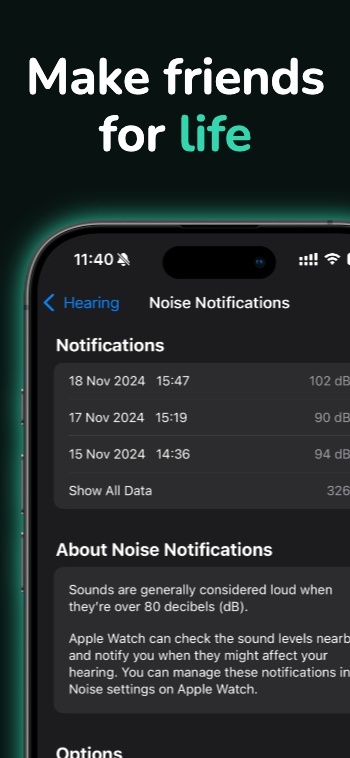
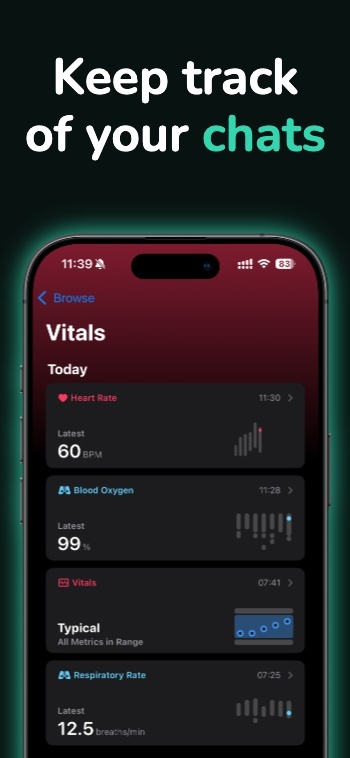
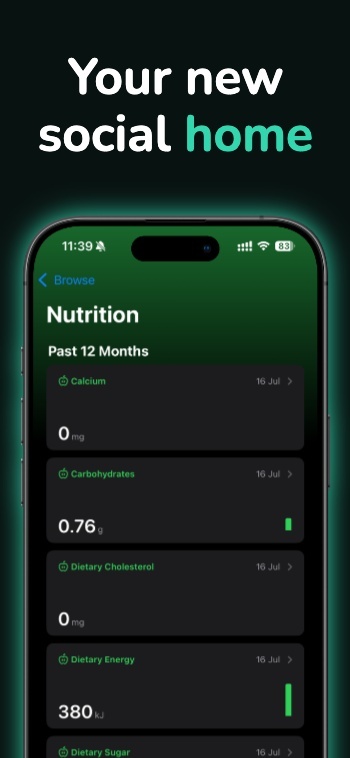

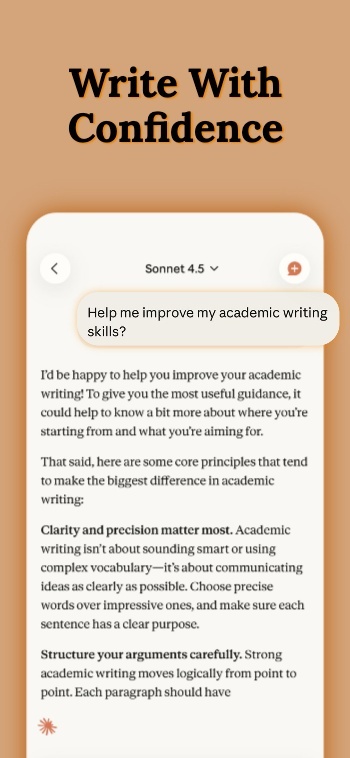
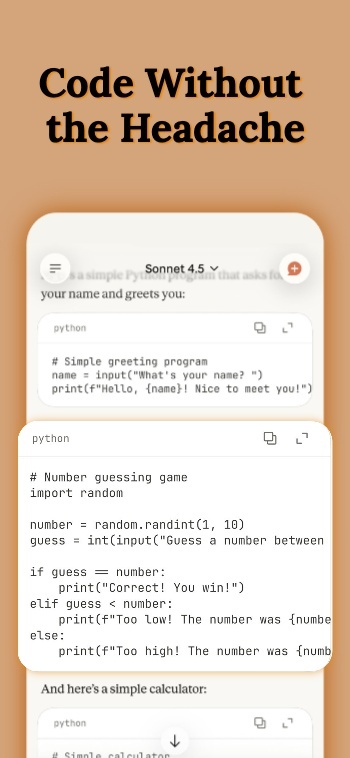
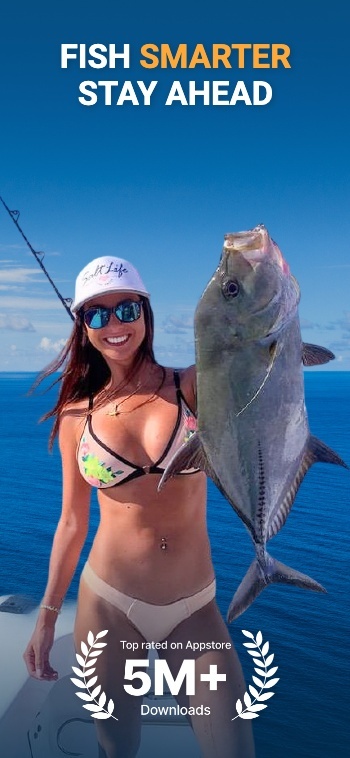
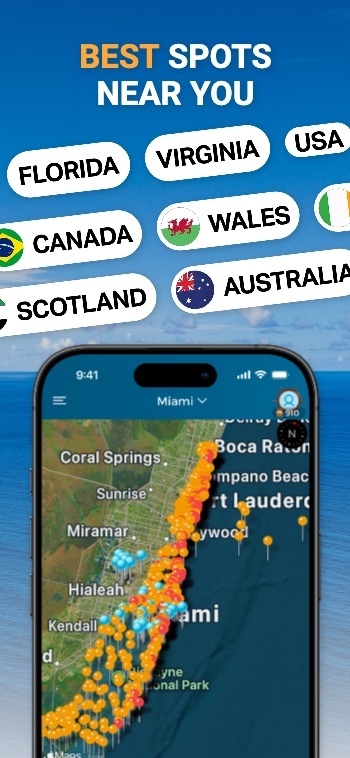
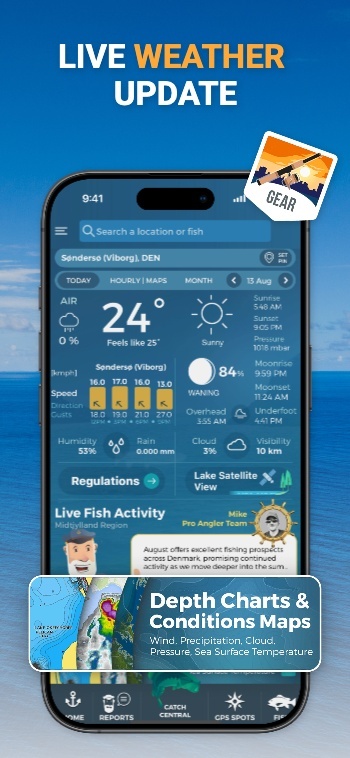
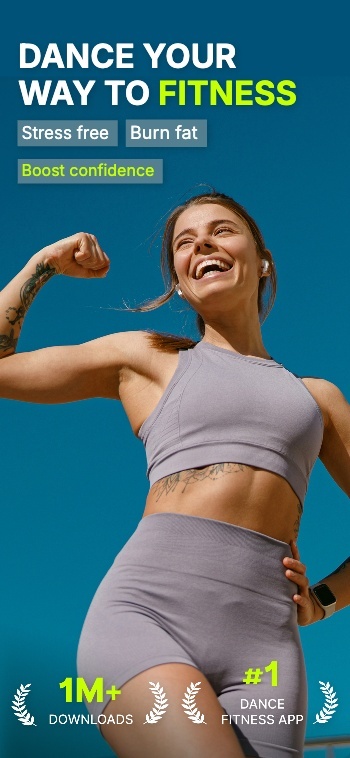
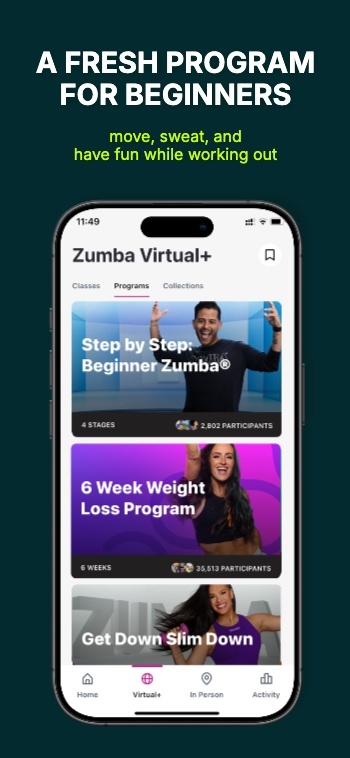
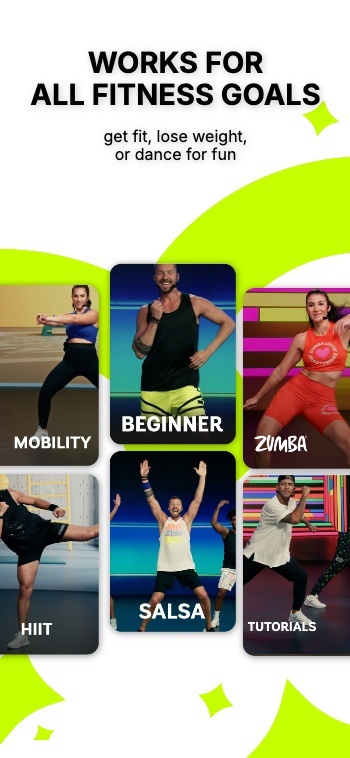
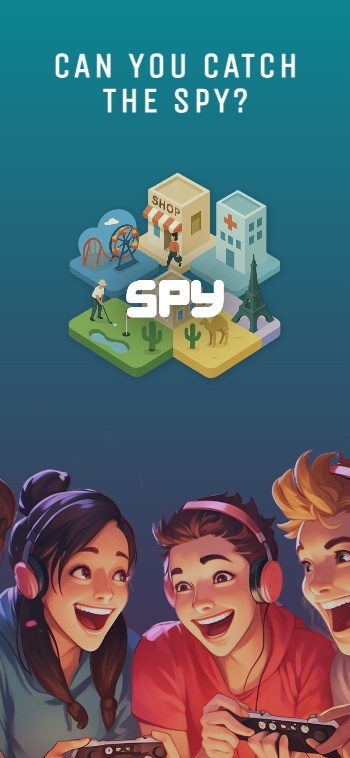
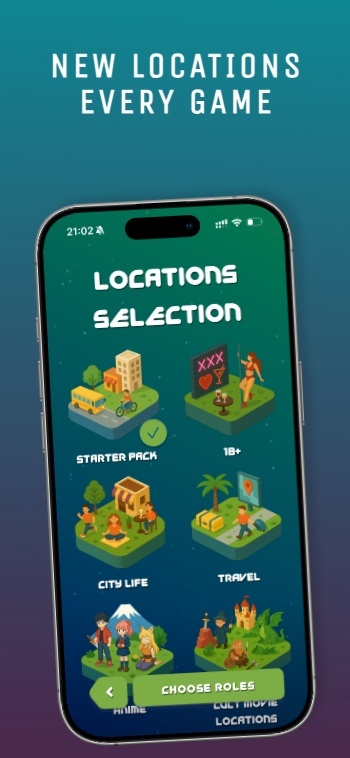
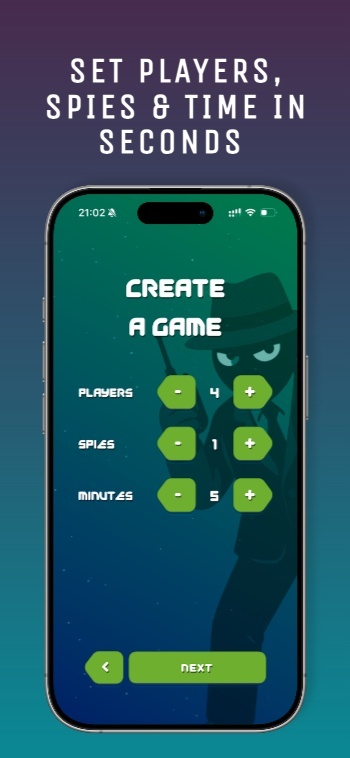
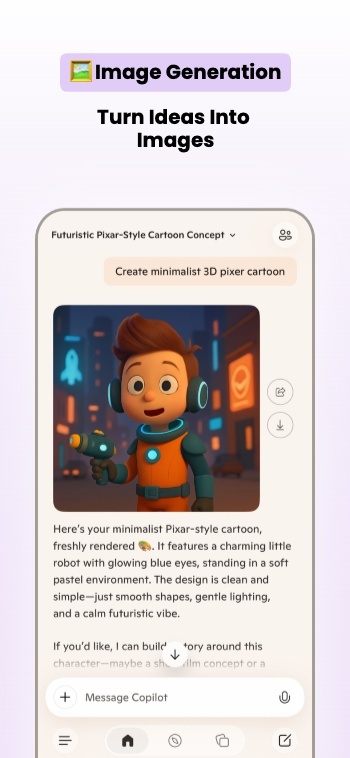
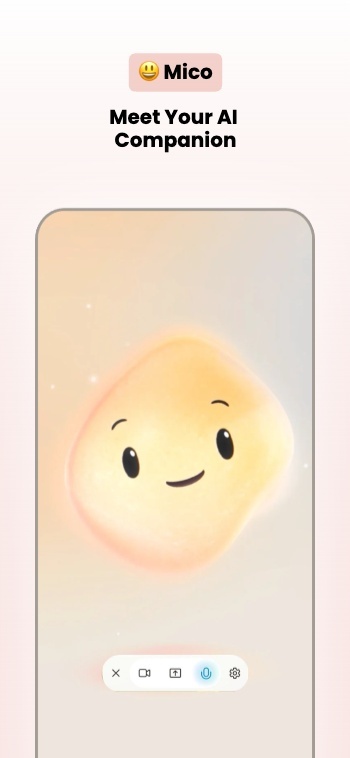
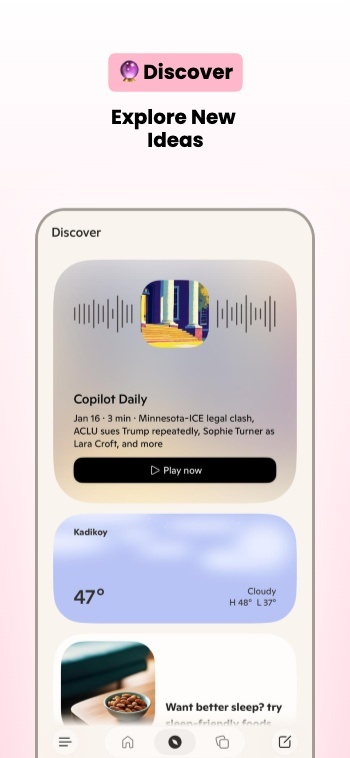
App Screenshot Mockups
From App to Upload Ready Screenshots
AppScreens turns your app listing details into store-ready screenshots using a single responsive project. Generate every device size, translate into 81 languages (including RTL), export pixel-perfect files, and upload directly to the stores when you’re ready.






One-click Screenshot Uploads to App Store Connect and Google Play Console
Automatically upload App Store screenshots and Google Play screenshots in one click. Publish every device size and localization without manual exports or drag-drop work.
Ship CPP (Custom Product Pages) and PPO (Product Page Optimization) variants with the same one-click flow.
One-click uploads
App Store Connect
Google Play Console
All localizations
CPP + PPO variants
Publish faster →
App Store Connect
API Integration
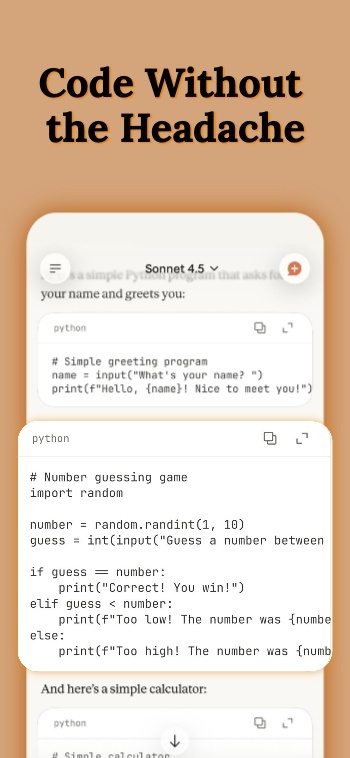

Google Play Console
API Integration
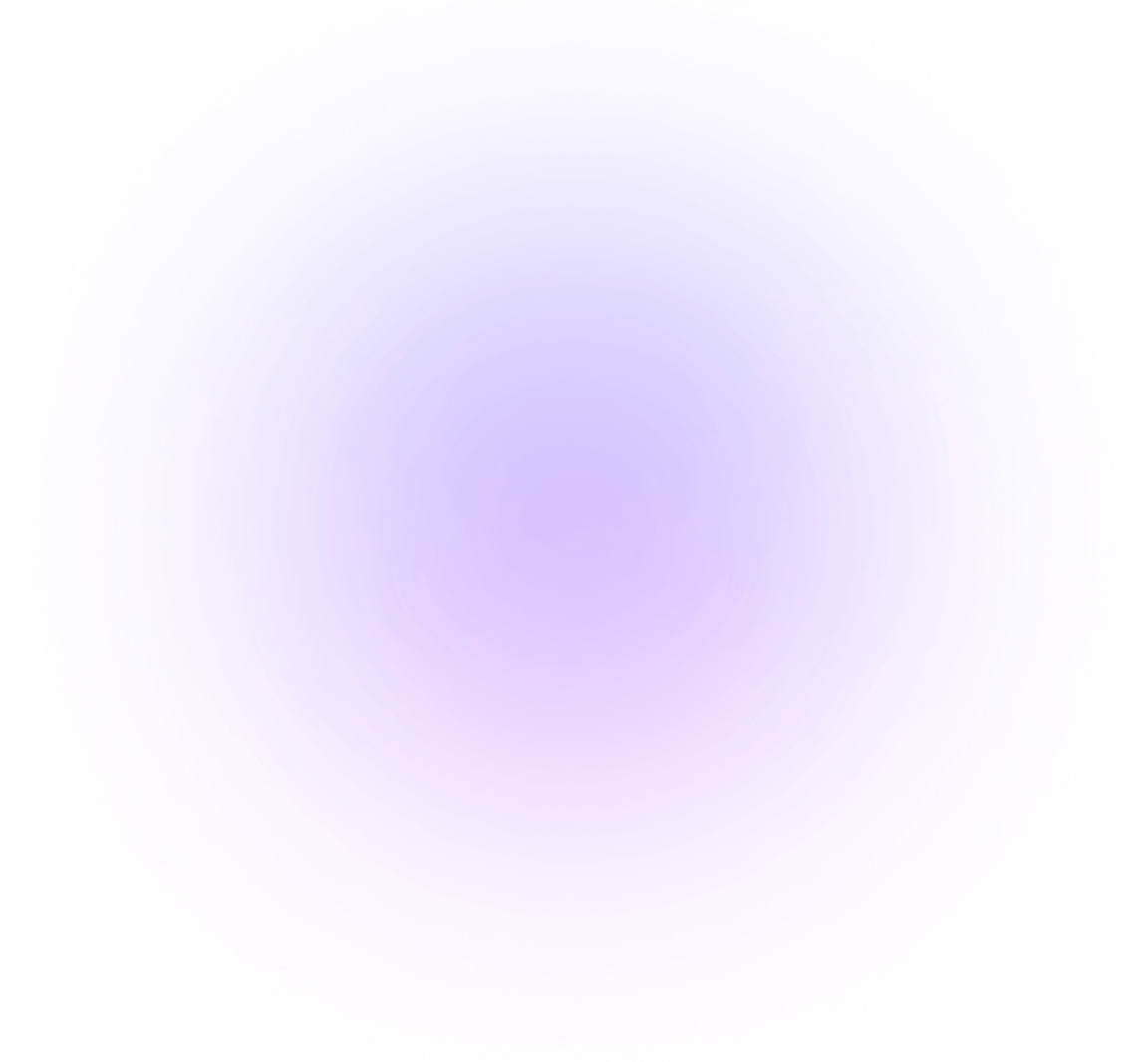
Mockups included: real, clay, and 3D frames
Customize your App Store Screenshots
Customize frames, backgrounds, and titles. Make premium App Store and Google Play screenshots without heavy design work.
Customize hundreds of templates.
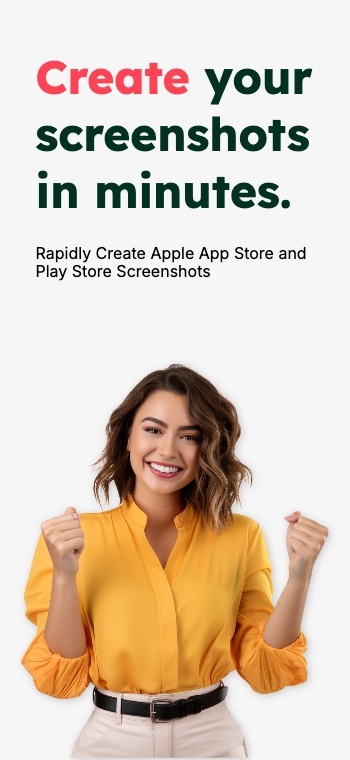
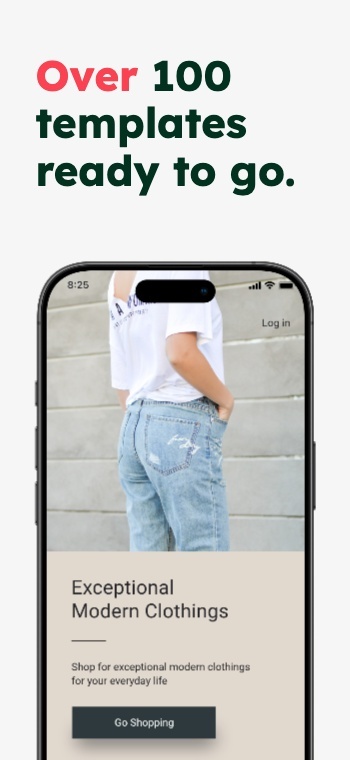
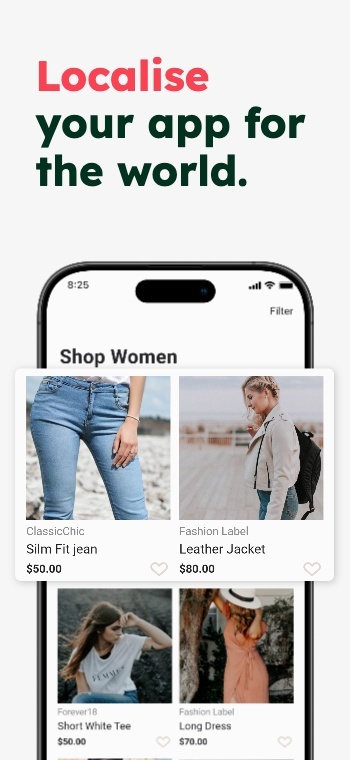
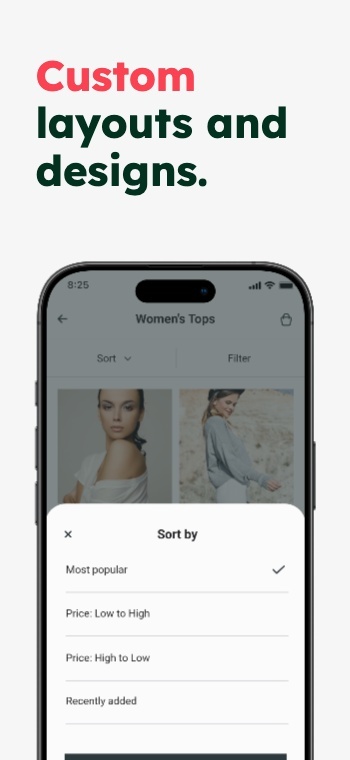
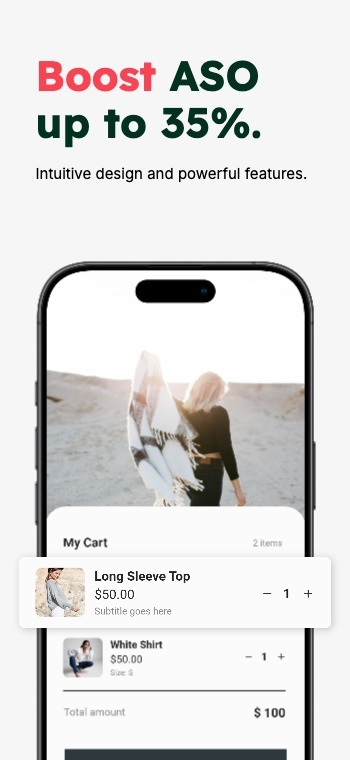
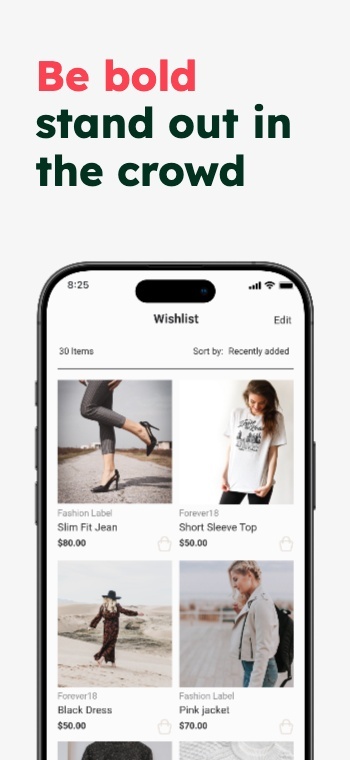
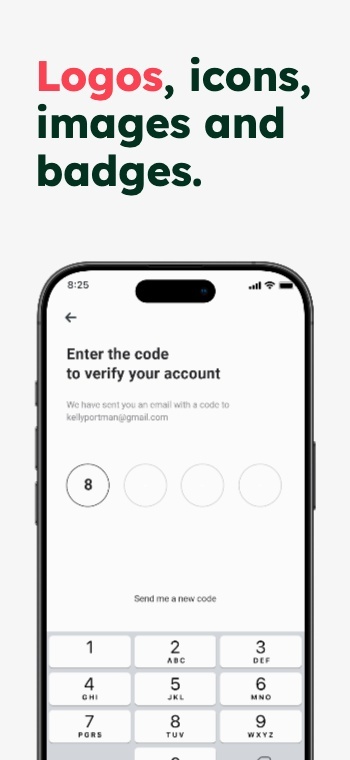
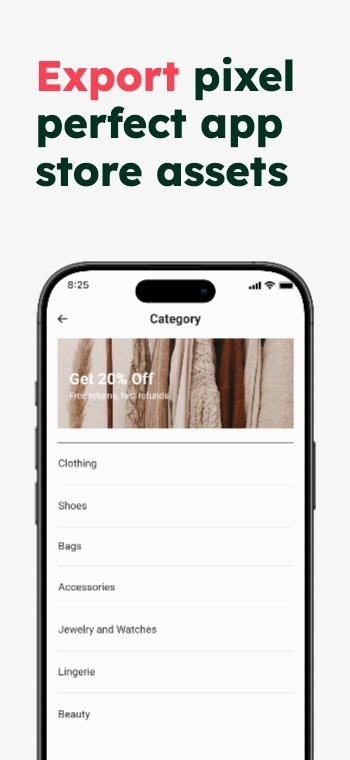
Device frames.
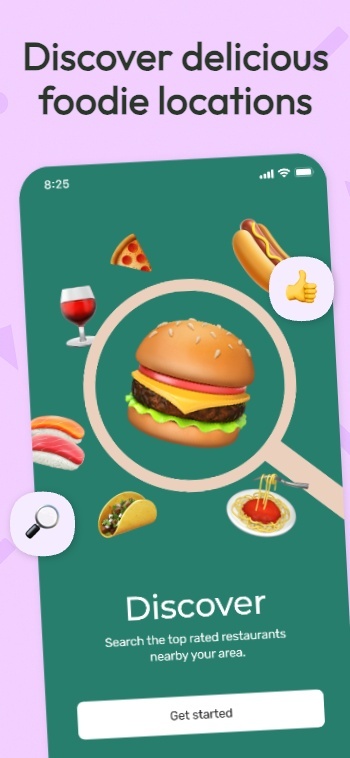
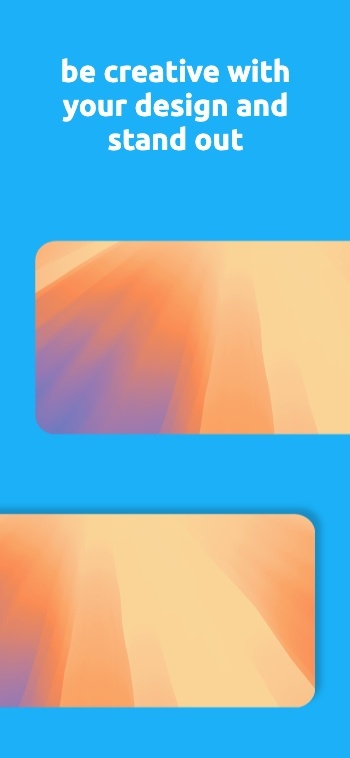
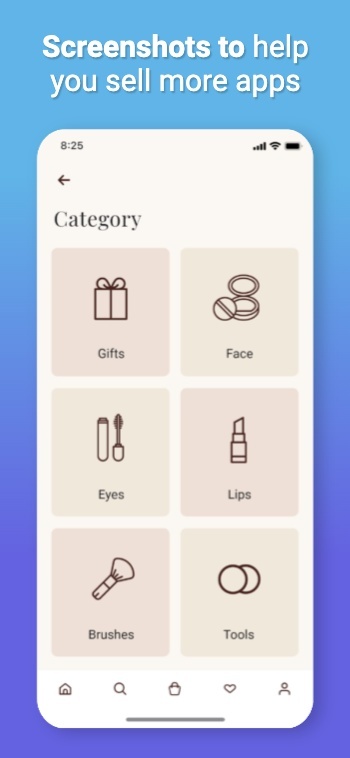
Text, badges & icons.
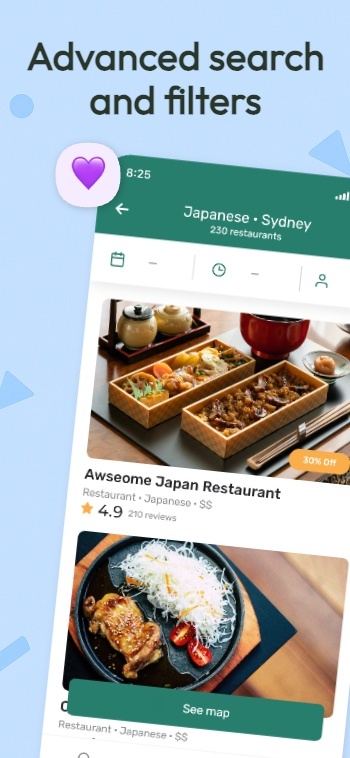

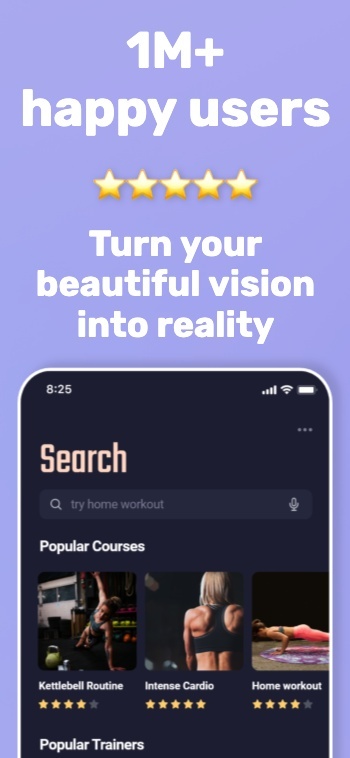
Panoramic backgrounds.
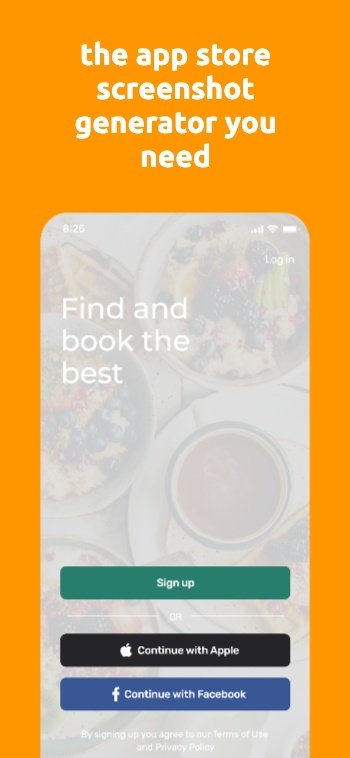
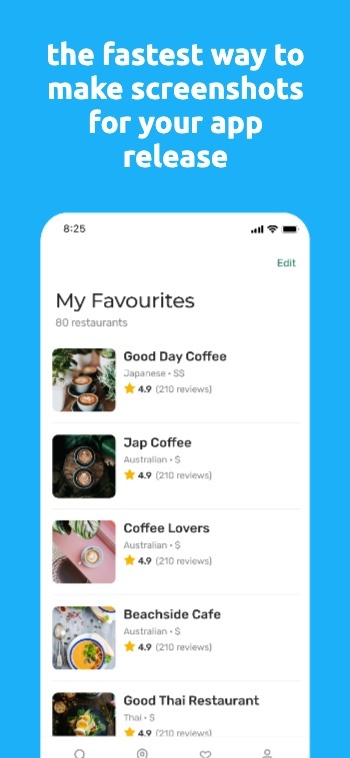
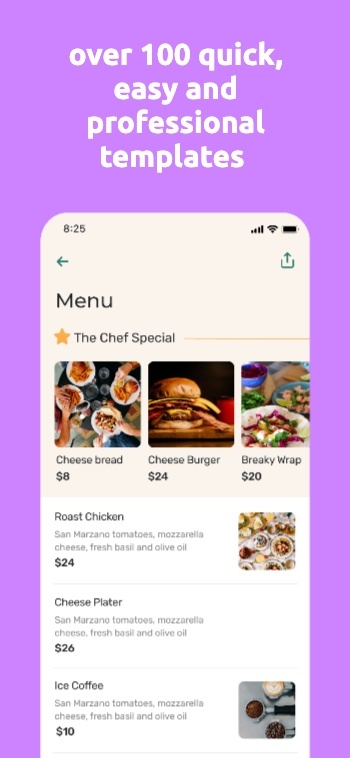
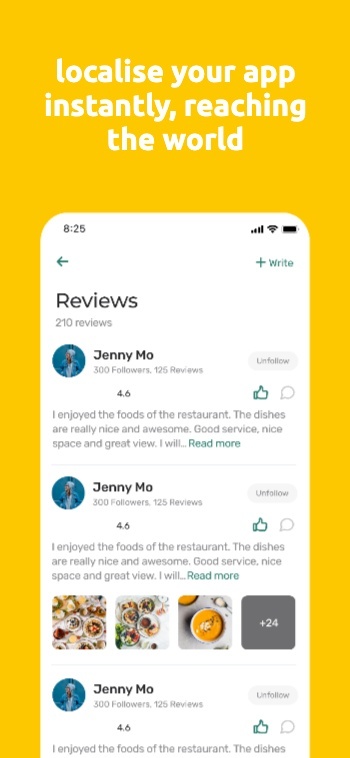
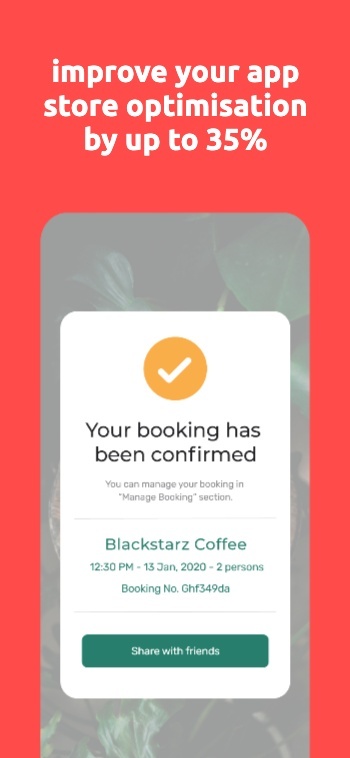
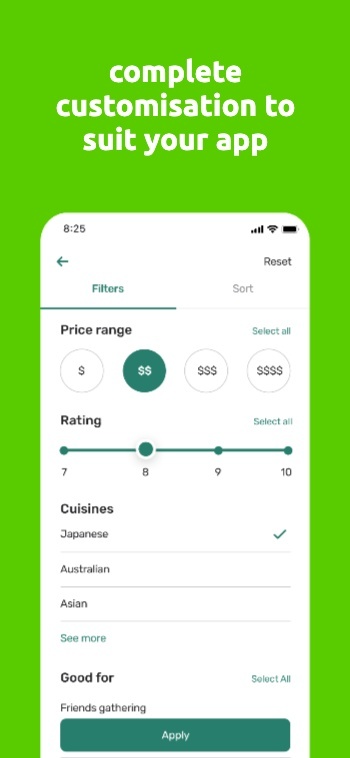
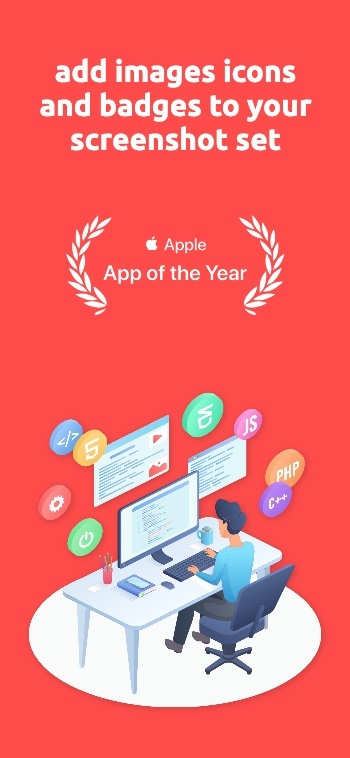
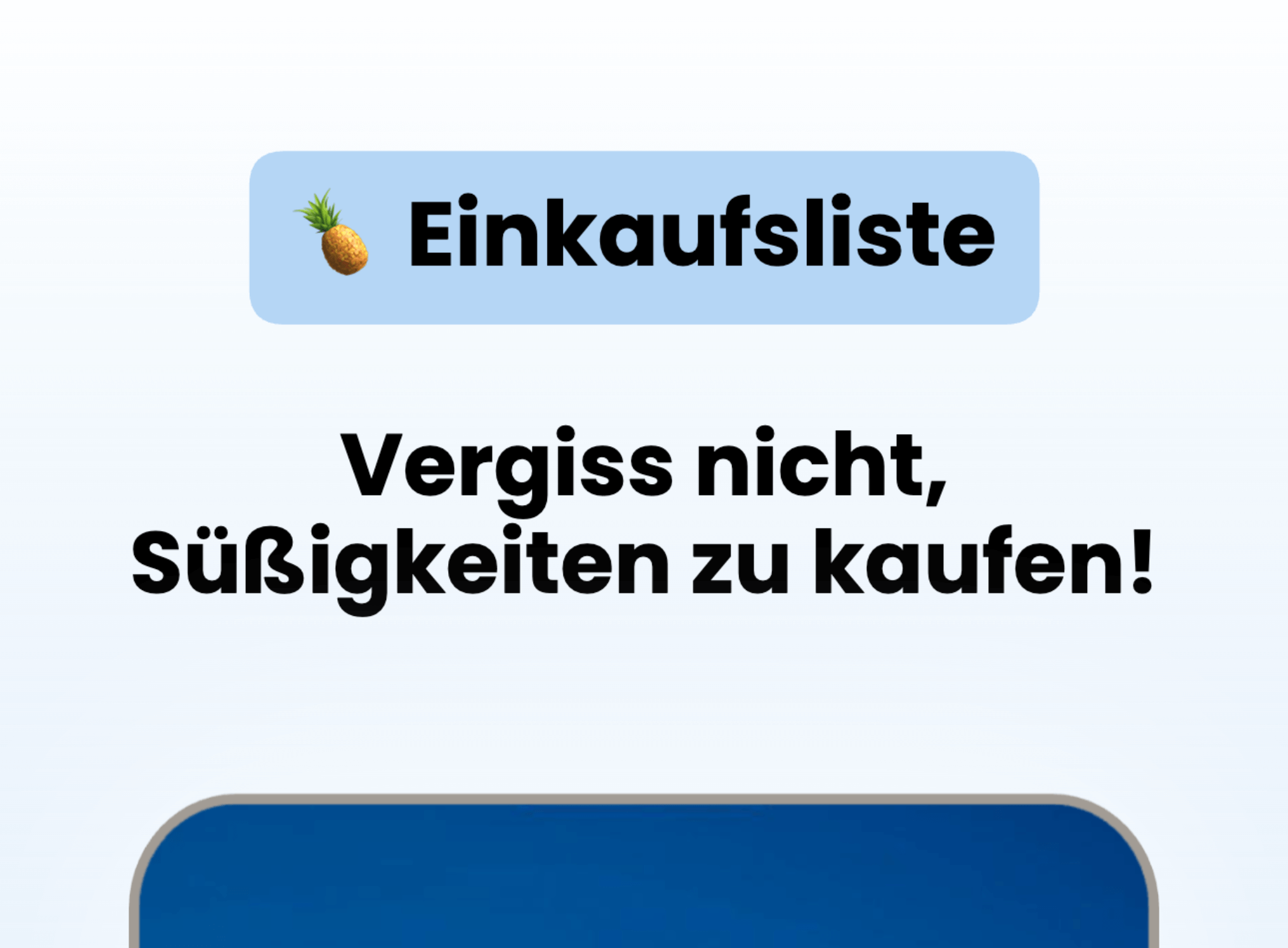
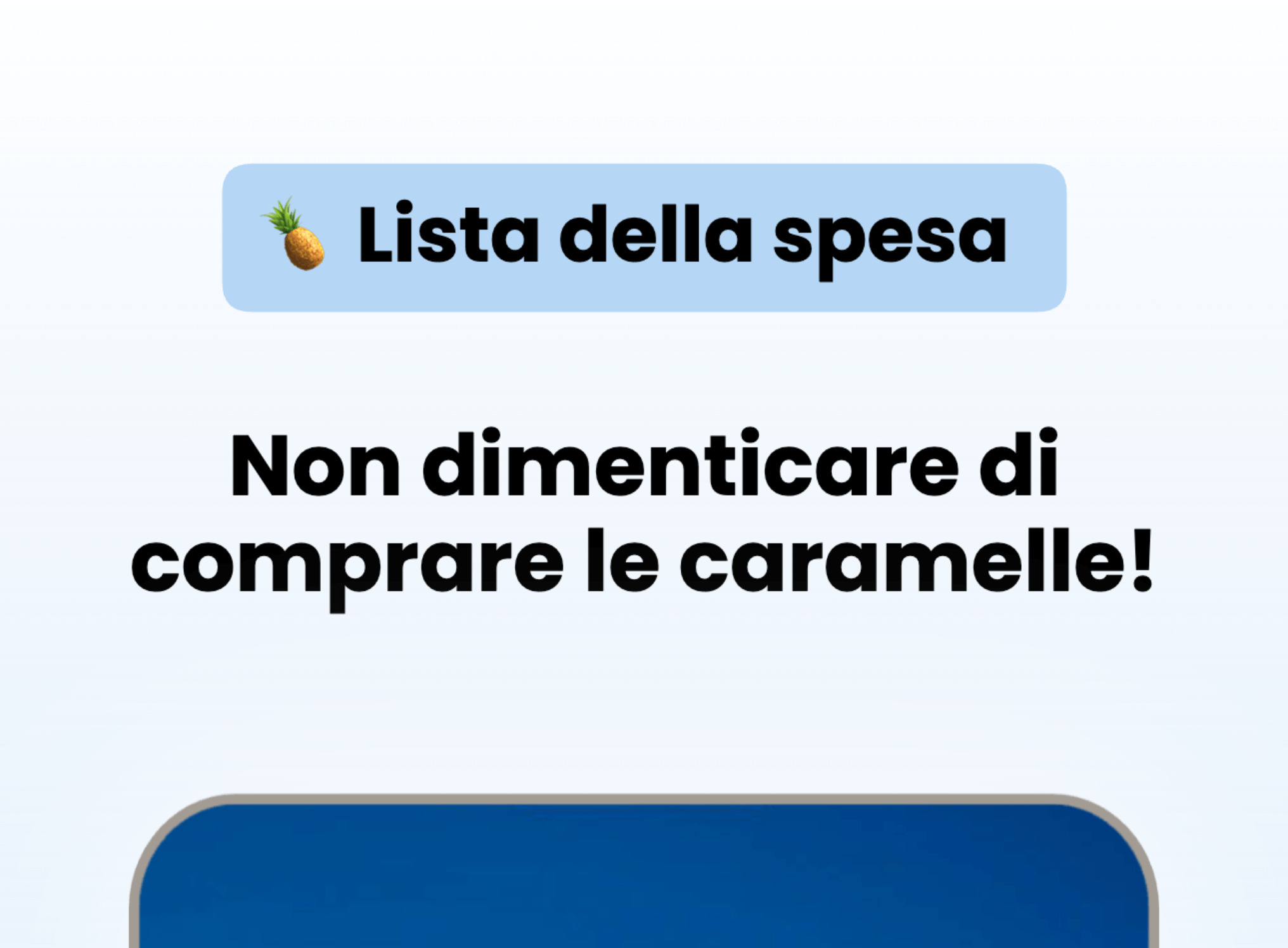
Translate & Localize Screenshots
Localize App Store and Google Play screenshots in 81+ Languages
Translate once, then export every language from the same project.
Turn one screenshot set into localized App Store screenshots and Google Play screenshots for every market. AppScreens keeps layouts consistent when text expands, contracts, or flips direction, so your screenshots stay on brand and ready to upload.
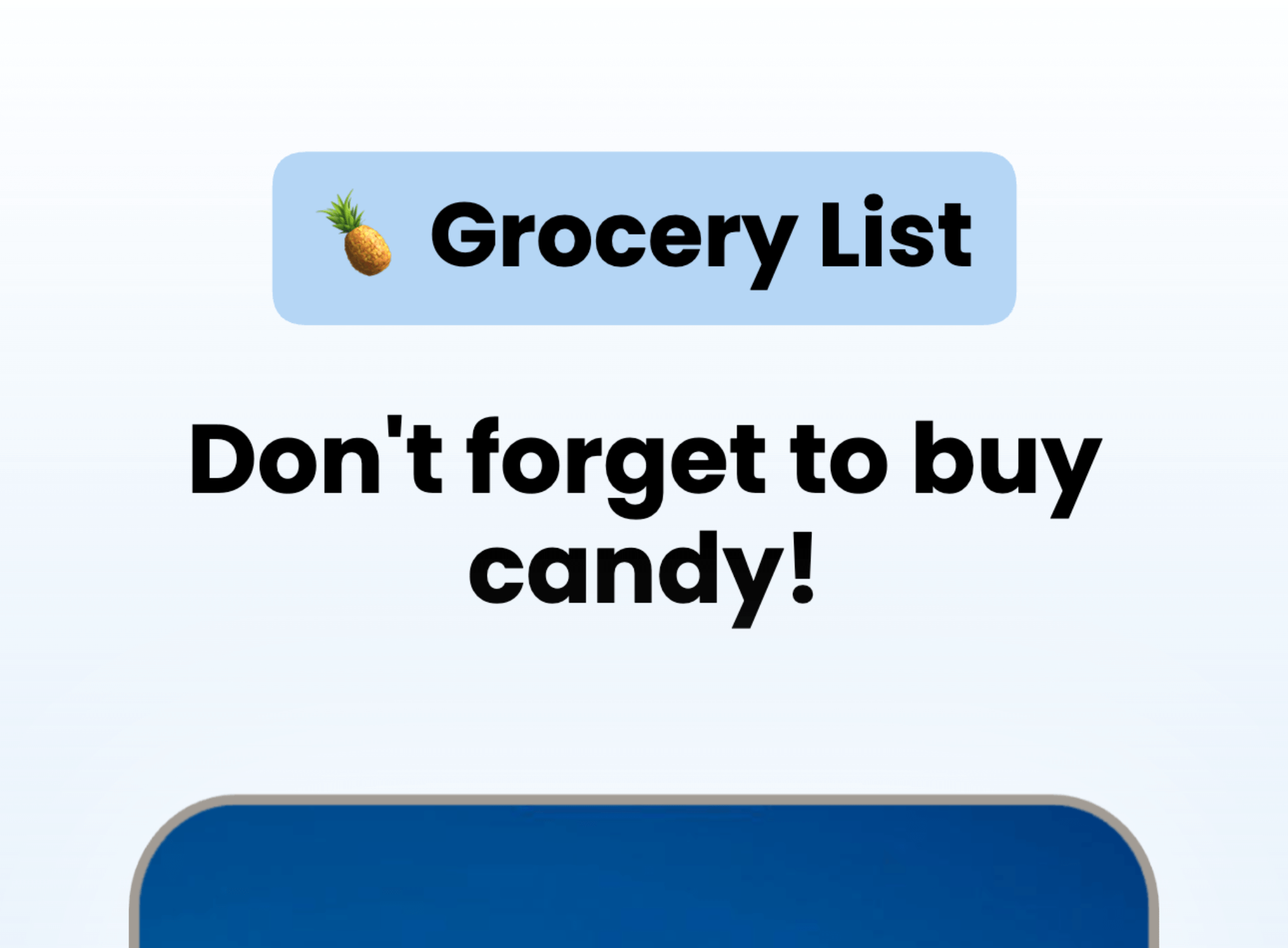
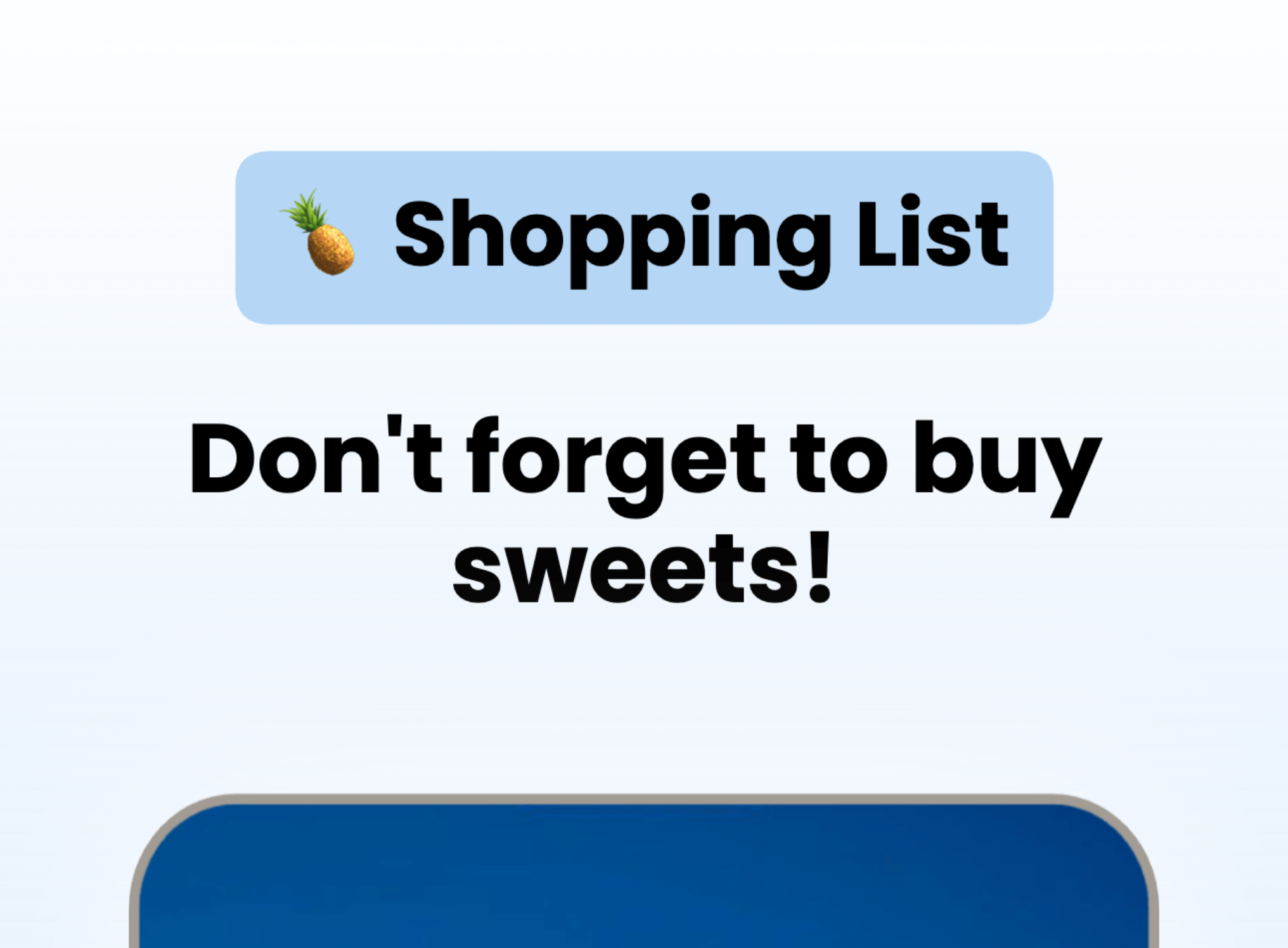
Use AI to translate in seconds, then fine-tune per language when you need to. Override captions, fonts, screenshots, and spacing per locale, without duplicating projects or rebuilding layouts.


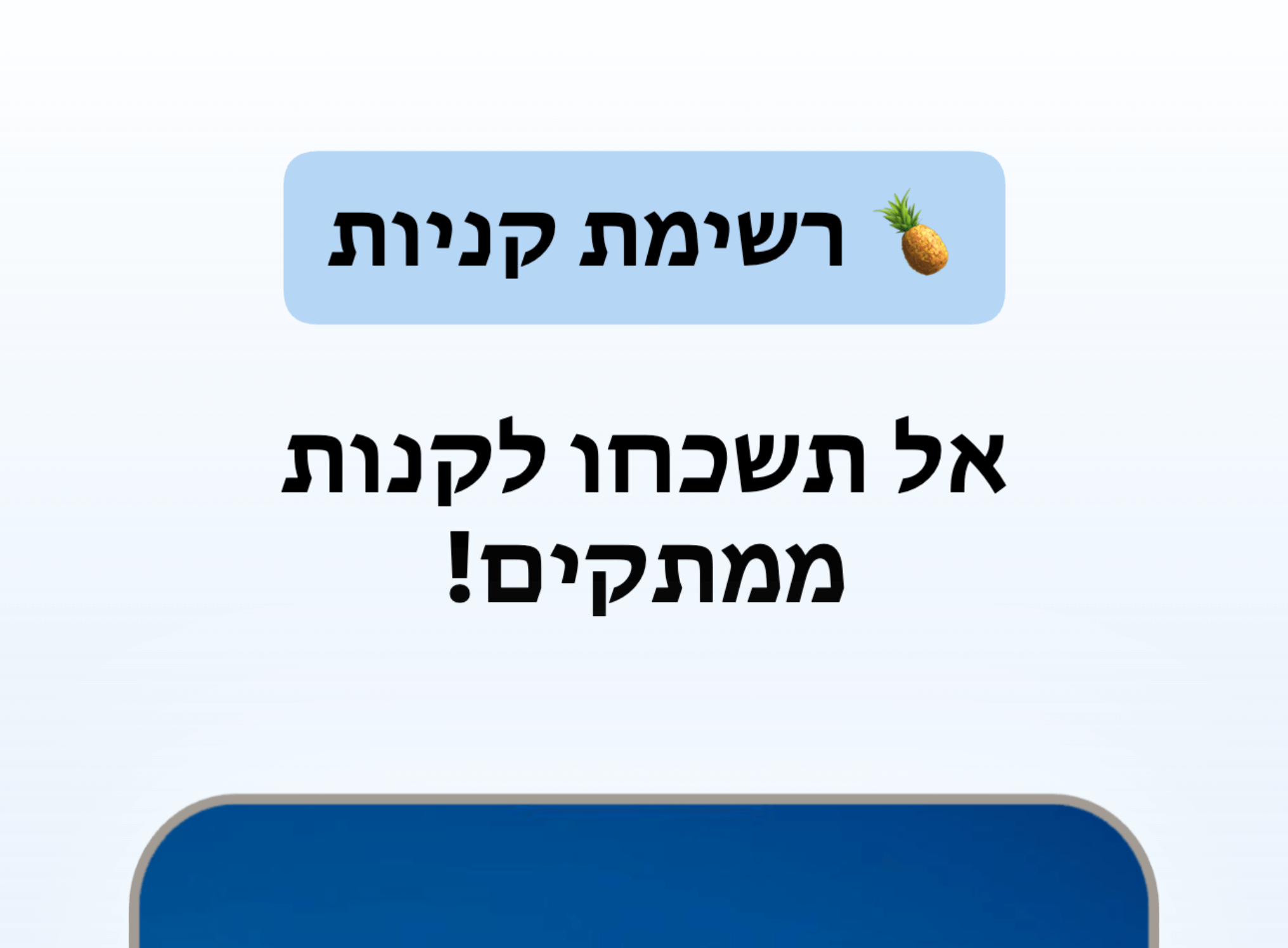
Improve ASO with better screenshots
App store screenshots are your app’s first impression. They help people picture what your app does and decide, in seconds, whether it’s worth installing. Great screenshots do more than look nice.
They explain the value fast, set expectations, and turn browsing into downloads. Ignore them, and you’re leaving one of the biggest levers in App Store Optimization on the table.
Make your value obvious in the first 3 screenshots
Test messaging and styles, measure conversions
Localize the pitch, not just the words
AppScreens makes screenshot iteration painless: restyle your project to a new template, responsive sizing, localization, and upload-ready exports. Using Product Page Optimizations & Experiments, you can try new screenshots, improve conversions and get more downloads in just a few minutes.
Search
Results

AppScreens
Screenshots & ASO
App
ASO & Product Demos
We've Boosted Downloads for over 100,000 App Developers
Real feedback from app builders shipping faster and looking sharper on the App Stores.

“AppScreens is the quickest and easiest way I have found to create a polished and professional looking store presence.”

“You guys are awesome, thank you so much!”

“I highly recommend AppScreens to all developers. Screenshots generated on AppScreens platform are so great for app user experience.”
“As an app developer, screenshots play a big role for conversion. AppScreens makes it easy to generate and try out different kinds of screenshot.”
“AppScreens is the quickest and easiest way I have found to create a polished and professional looking store presence.”
“You guys are awesome, thank you so much!”
“I highly recommend AppScreens to all developers. Screenshots generated on AppScreens platform are so great for app user experience.”
“As an app developer, screenshots play a big role for conversion. AppScreens makes it easy to generate and try out different kinds of screenshot.”

“Special thanks to @AppScreensASO their tool saved us hours!”

“Totally love it! Even with the free version, I can get my app screens done quickly and beautifully.”
“Really impressed with how easy it was to make 100x better screenshots for StampBrain with @AppScreensASO. Nice work!”
“Thank you @AppScreensASO for making this tedious job, a bit more enjoyable.”
“Special thanks to @AppScreensASO their tool saved us hours!”
“Totally love it! Even with the free version, I can get my app screens done quickly and beautifully.”
“Really impressed with how easy it was to make 100x better screenshots for StampBrain with @AppScreensASO. Nice work!”
“Thank you @AppScreensASO for making this tedious job, a bit more enjoyable.”
“Looks like I have some preview screens! Thanks again to @AppScreensASO. Pretty good at handling different devices (iOS/Android) with multiple languages”

“AppScreens instantly solve all my rejections problems from Apple and Android. The solution made app screen creation faster and better.”
“Well worth the money, saves hours and hours of kicking around. Highly recommend!”
“Looks like I have some preview screens! Thanks again to @AppScreensASO. Pretty good at handling different devices (iOS/Android) with multiple languages”
“AppScreens instantly solve all my rejections problems from Apple and Android. The solution made app screen creation faster and better.”
“Well worth the money, saves hours and hours of kicking around. Highly recommend!”
Frequently asked questions
Can’t find the answer you’re looking for? Reach out to our customer support team.
- An app store screenshot generator helps you create screenshots for app listings, then export them in the correct sizes and formats required by stores like the Apple App Store and Google Play. AppScreens is built to reduce manual resizing and layout rebuilds.
- AppScreens supports the Apple App Store and Google Play, with presets for the Microsoft Store, Google Chrome Web Store, Amazon Appstore, Huawei AppGallery, and custom sizes, so you can export for multiple platforms from a single workflow.
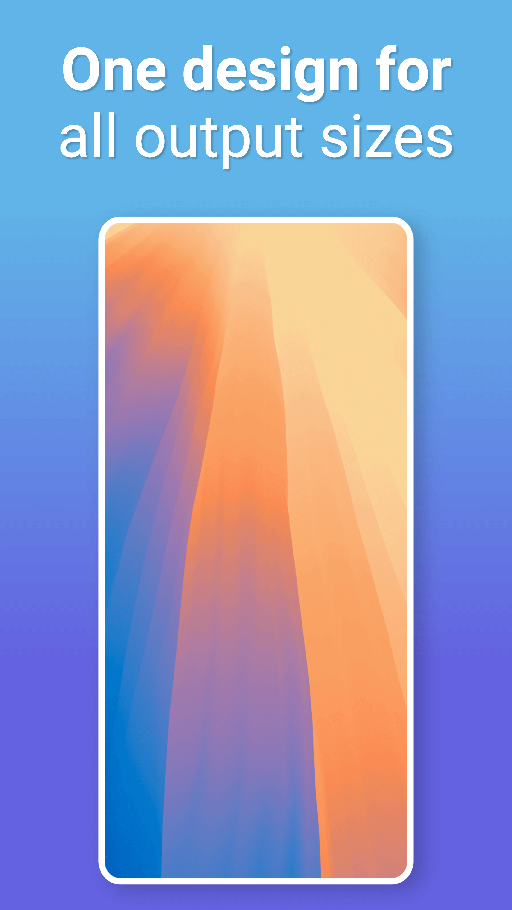
- Yes. AppScreens uses responsive layout rules so one design can adapt across device output requirements and aspect ratios, then export a complete set without rebuilding each size.
- Yes. AppScreens exports presets for common iPhone and iPad display types, plus Android phone and tablet formats, so your listing assets match each platform’s requirements.
- Yes. Start from professional templates, then swap in your screenshots and update copy, colors, and device frames. Templates help you keep strong hierarchy and readability from the first version.
- Yes. Create localized variants per language, keep a consistent layout system, and export per-locale sets. This helps you ship global listings without duplicating manual design work.
- Export store-ready image sets in common formats used by App Store Connect and Play Console, organized so you can upload quickly and avoid resizing errors.
- Design tools are powerful, but they’re not built for app store screenshot production. In Figma or Photoshop you end up duplicating files for device sizes, reflowing text for each language, and exporting variations one by one. AppScreens turns that into a repeatable release workflow: one project, responsive layouts across sizes, localization, and store-ready exports.
- Yes. You can start free to generate screenshots and validate the workflow. Upgrade when you need higher volume, more apps, more languages, or advanced automation.
- Open the editor, choose a template or start from scratch, drop in your screenshots, then export store-ready sets for your target devices and locales.
AppScreens
The App Store Screenshot Generator
Create App Store and Google Play screenshots with templates, responsive resizing, localization, and upload-ready exports.
App Store and Google Play screenshot templates.
Templates for App Store screenshots and Google Play screenshots
Start from a layout, then customize fast
Restyle a project to new themes for variants
Templates built for conversion-focused messaging
Responsive screenshot layouts for every device size.
Preview every device size before export
Maintain consistent spacing, type, and alignment
Generate all required sizes without duplicate files
Supports custom sizes for feature graphics and more
Custom fonts, text styling, and rich text.
Upload custom fonts
Rich text, emojis, and text auto-sizing
Titles, subtitles, badges, and overlays
Fine control over typography and spacing
Device frames and app screenshot mockups.
Adjustable device tint and styling
Rotate, scale, and position devices
Multi-device scenes in one screenshot
Designed for every app store page layout
Backgrounds, gradients, and panoramic images.
Solid colors, gradients, images, and tiled backgrounds
Shadows, overlays, and depth effects
Consistent styling across the full set
Brand-ready backgrounds without design tools
Bulk import, auto-matching, and organization.
Auto-match screenshots by aspect ratio and device size
Auto-detect language codes
Keep everything in one project
Duplicate projects to create new versions fast
Localization, translation, and RTL support.
RTL support for languages like Hebrew and Arabic
Override text, screenshots, fonts, and spacing per locale
Keep layouts stable when text expands or contracts
Export every language from the same project
Export formats, sizes, and compliance.
Export the exact screenshot sizes required
High-resolution PNG exports
Store-ready naming and organization
Always updated with new device and store requirements
Automatic upload to Apple and Google.
One-click screenshot uploads to Google Play Console
Upload every device size and localization
Support for CPP and PPO variants
Publish faster without manual drag-and-drop
ASO workflows and iteration.
Restyle projects to test new themes
Update once and regenerate the full set
Improve conversion by making value obvious faster
Build a repeatable screenshot workflow for every release
Support for all app stores.
Google Play
Microsoft Store
Google Chrome Web Store
Amazon App Store
Huawei AppGallery
Custom Sizes
AI integration and controls.
AI translation & localization
AI project restyling
Turn visitors into installs
Make your app's value obvious with professional, localized, store-ready screenshots for every app store size. Screenshots ready to export, upload and publish today.
© 2019-2026 Salty Bytes Pty Ltd , all rights reserved | v1.1.217