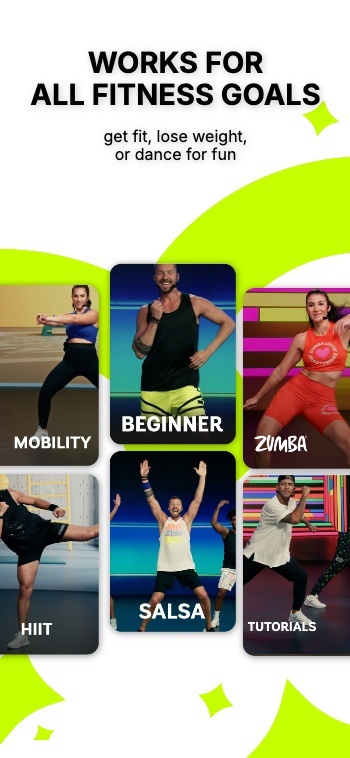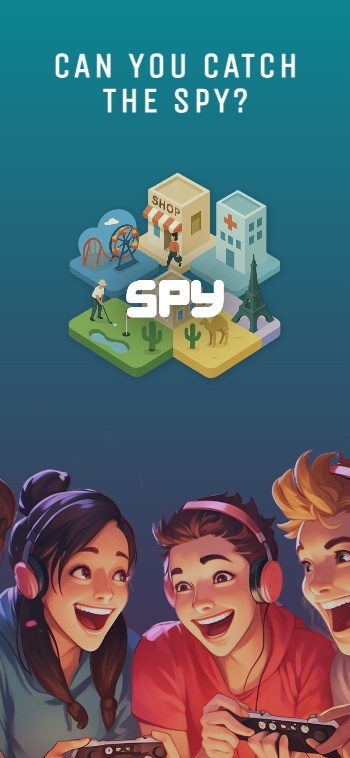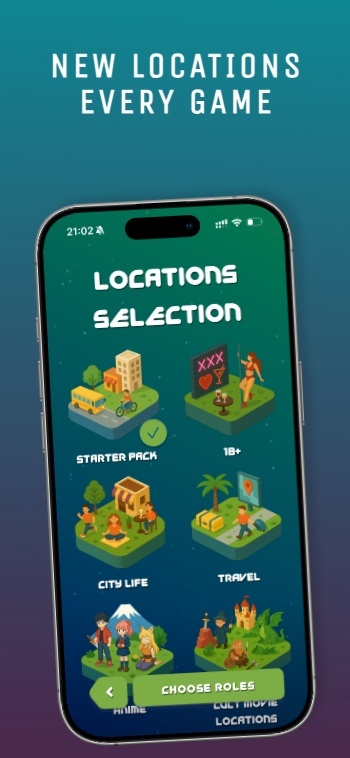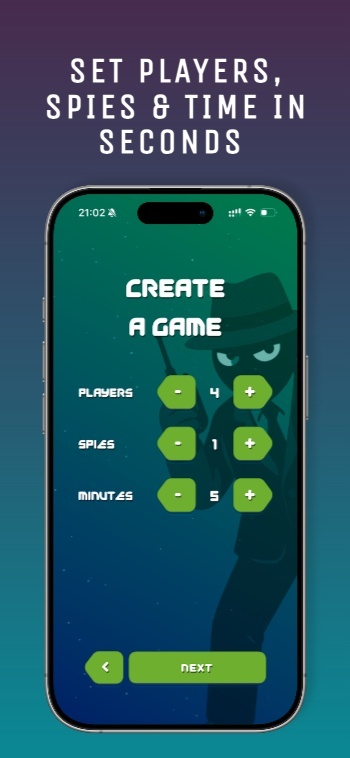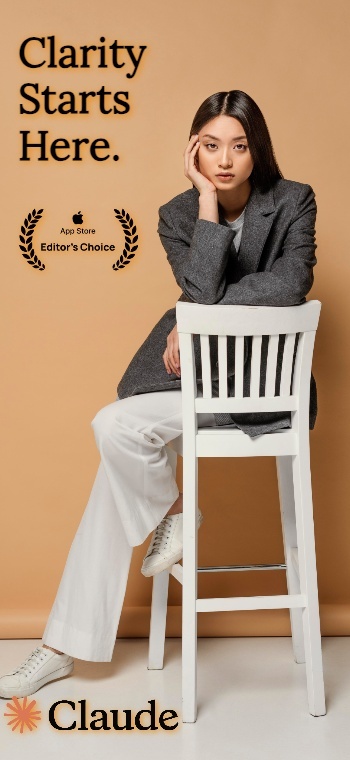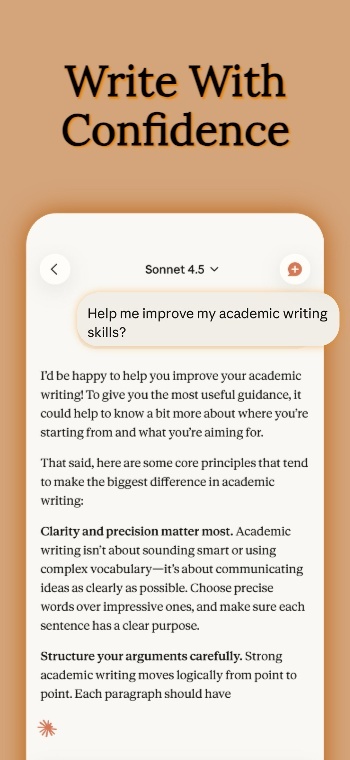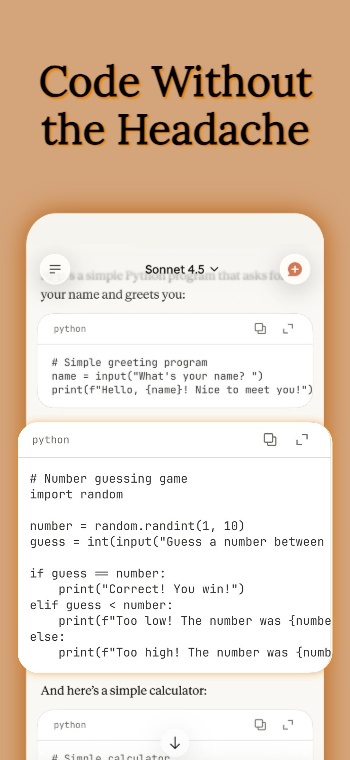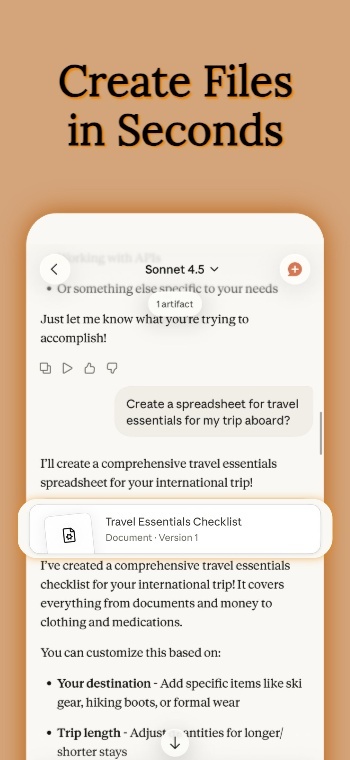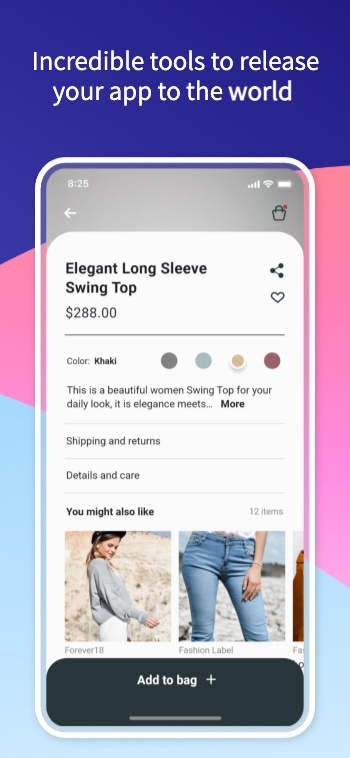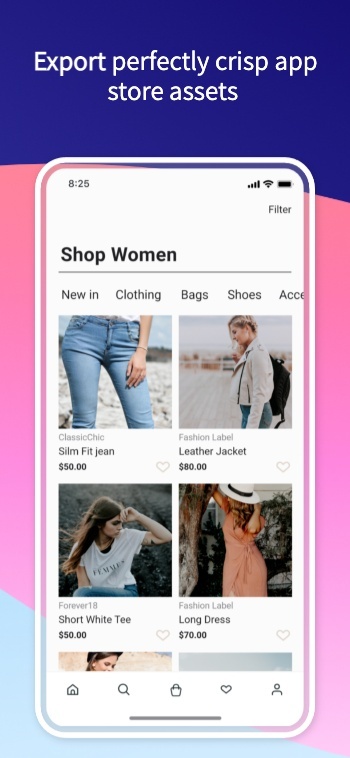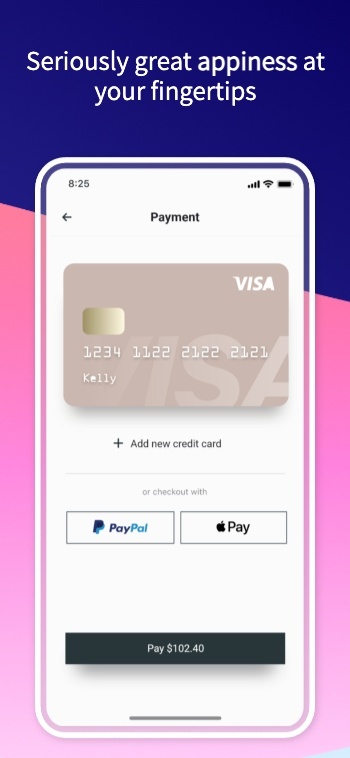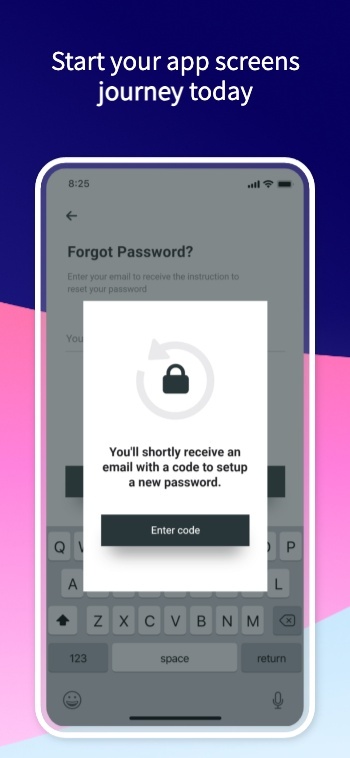














Background waves
  • google play store console logo
  • google play store logo
  • google play store logo
Exports a ready to upload graphic

Google Play Feature Graphic Generator

Create compliant Google Play feature graphics that match Play Store specifications and showcase your app at first glance.

Background image
AppScreens hero image
100,000+

App professionals

9,472,658

Screenshots created

≈59,211

Developer days saved

As recommended by teams on

AppRadarAppSumoGitHubiOS Dev WeeklyProduct HuntRedditStack OverflowTwitterYouTubeFlutterFlowiOS Dev ToolsApp Masters
Google Play feature graphic templates

Design and Upload a Feature Graphic

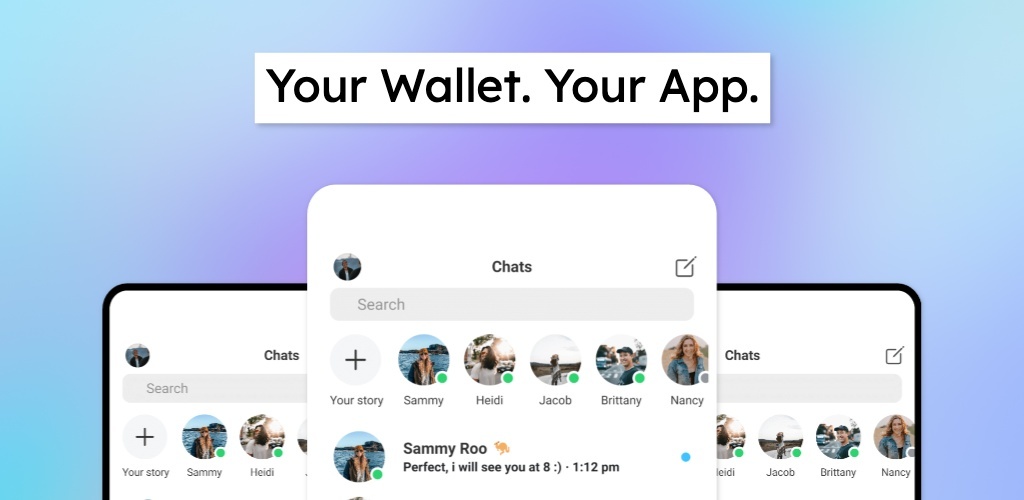
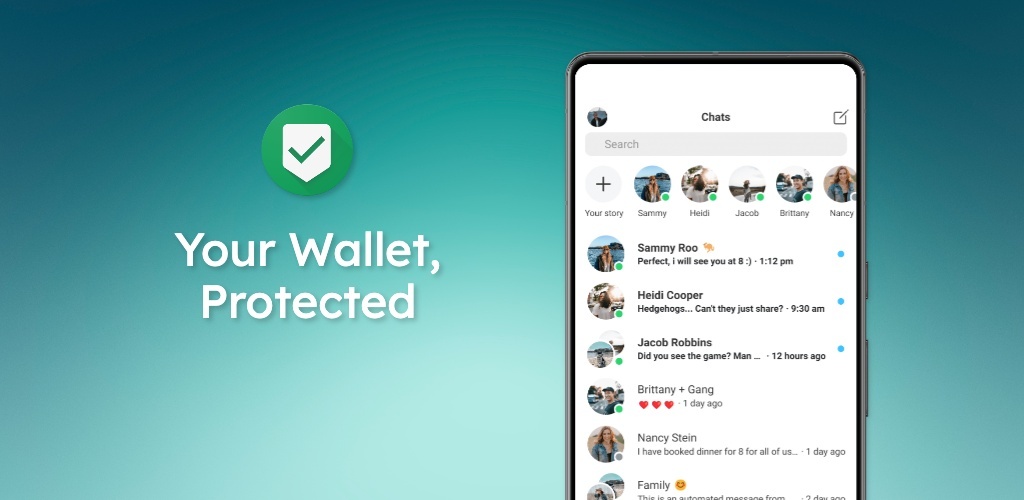
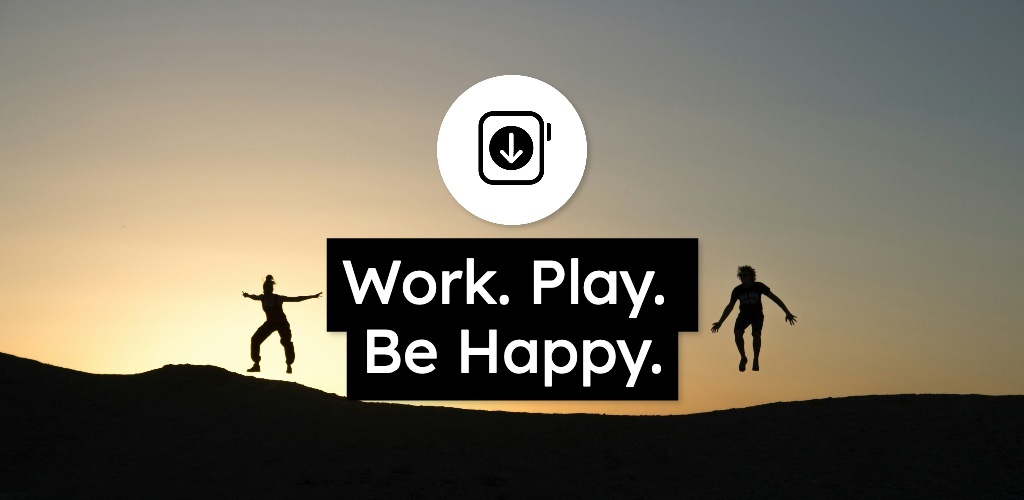
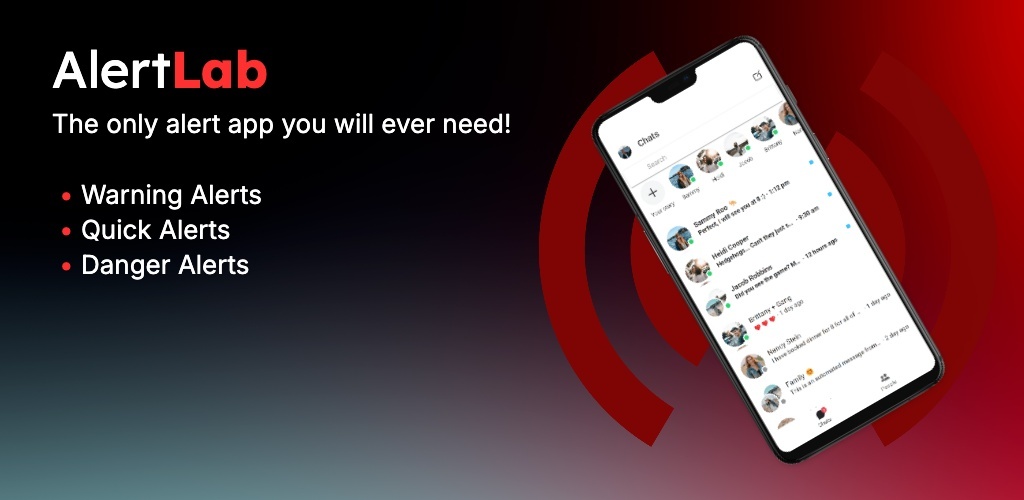
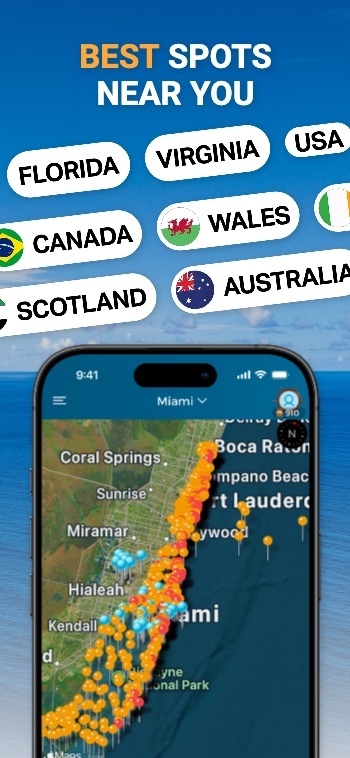
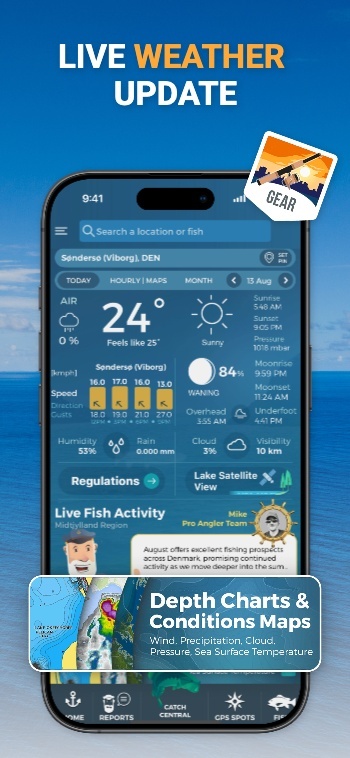
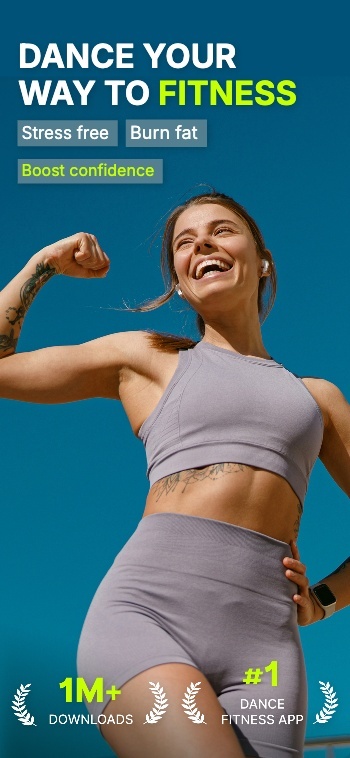
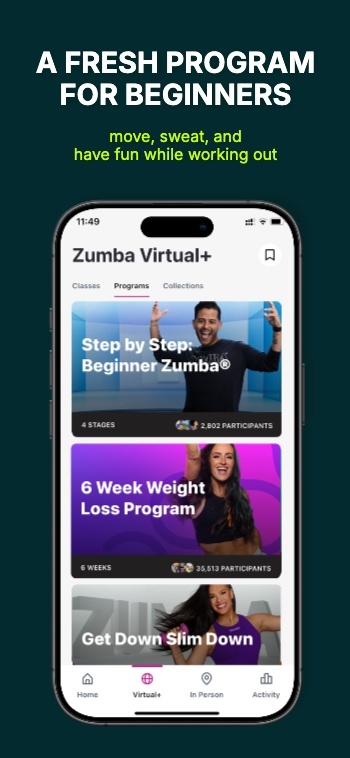
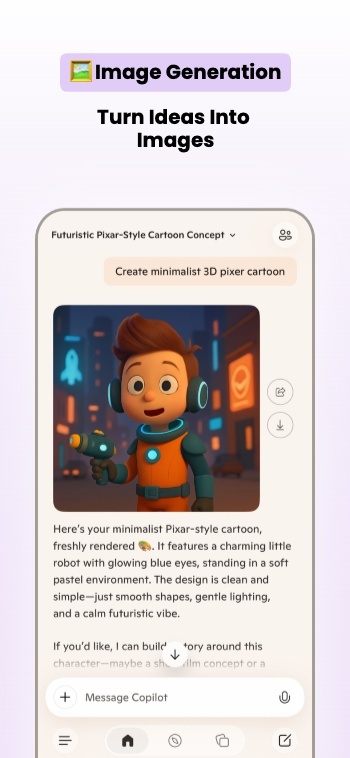
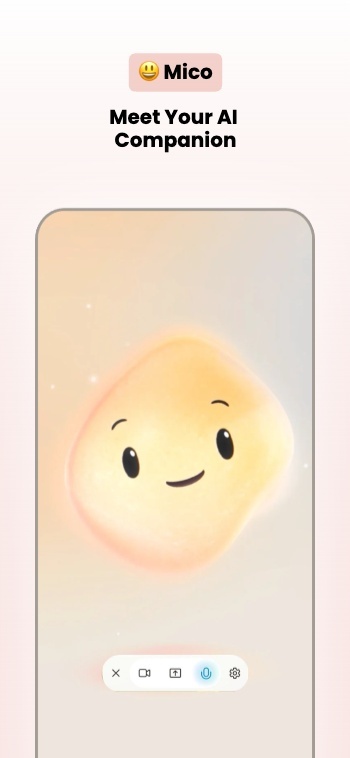
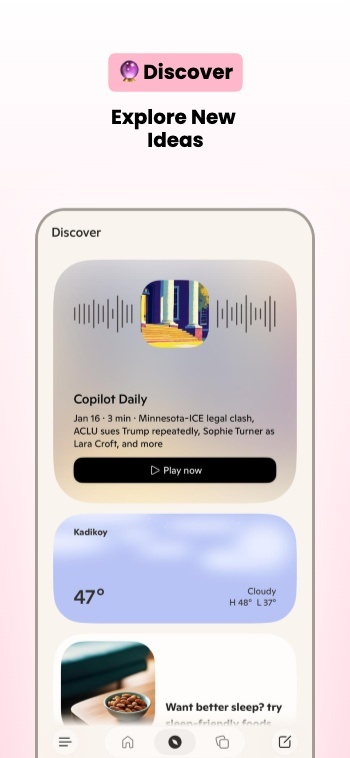
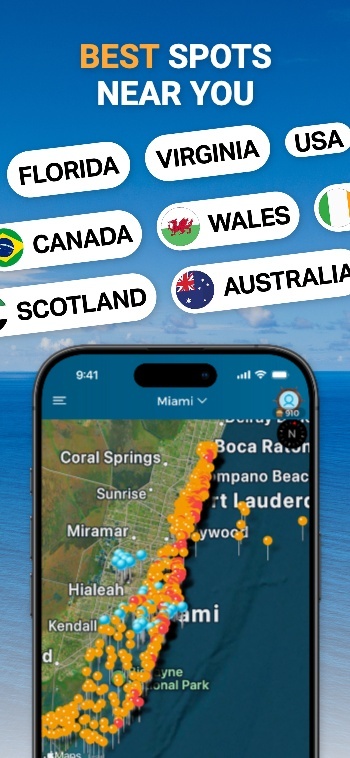
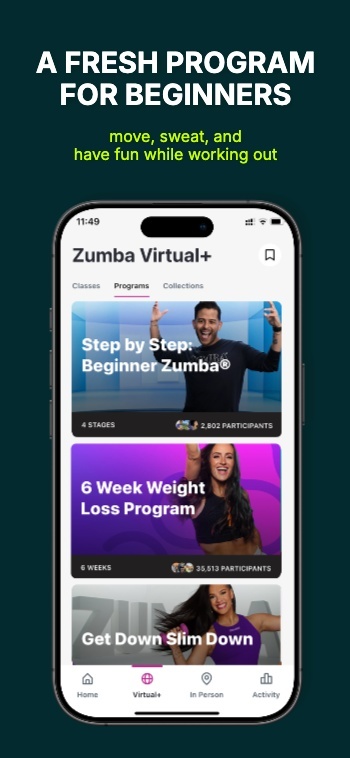
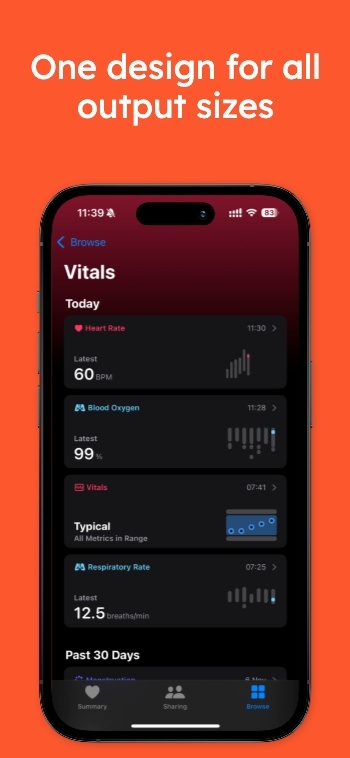
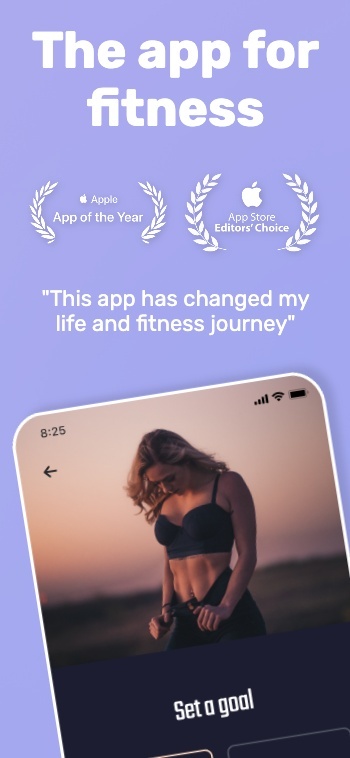
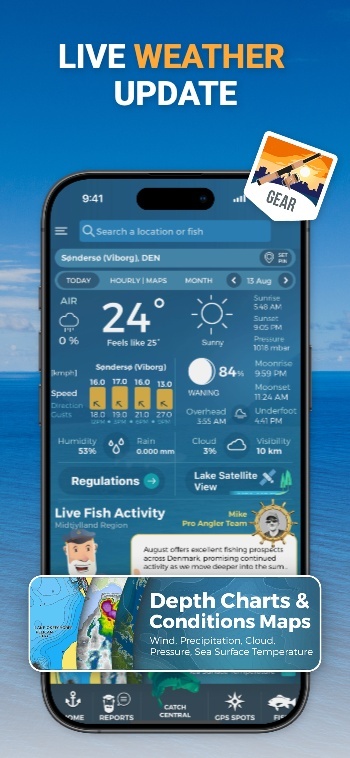
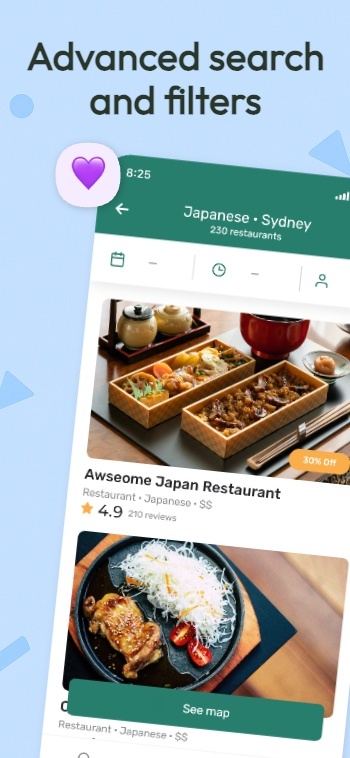
A Google Play feature graphic is a 1024x500 banner image that represents your app. Google uses it as the cover image for your preview video and for large-format placements like collections and ads.

You must provide a feature graphic to publish your store listing. Your feature graphic is a powerful tool to convey app or game experiences and attract new users.

Learn more: Google Help .

AppScreens helps you design a feature graphic aligned with your screenshots so the listing feels cohesive from the first impression to the last screen. Design from a template, and upload directly from AppScreens.


Publish requirements

  • Dimensions: 1024x500
  • Format: JPEG or 24-bit PNG
  • No alpha channel or transparency

Safe layout rules

  • Keep the focal point centered and push background elements to the edges
  • Avoid placing headlines, logos, or key visuals near the edges
  • Avoid fine detail that disappears on smaller screens

Branding and placement

  • Do not duplicate your app icon with prominent branding
  • Avoid pure white, black, or dark gray backgrounds that blend into the UI
  • Match icon and screenshots so the listing feels cohesive
  • Localize when it matters for markets and languages

Quick checklist

  1. Choose one clear value signal users should understand instantly.
  2. Keep headline, logo, and key visuals away from edges.
  3. Use strong contrast and text large enough to read on a phone.
  4. Export 1024x500 with no transparency, then upload in Play Console.
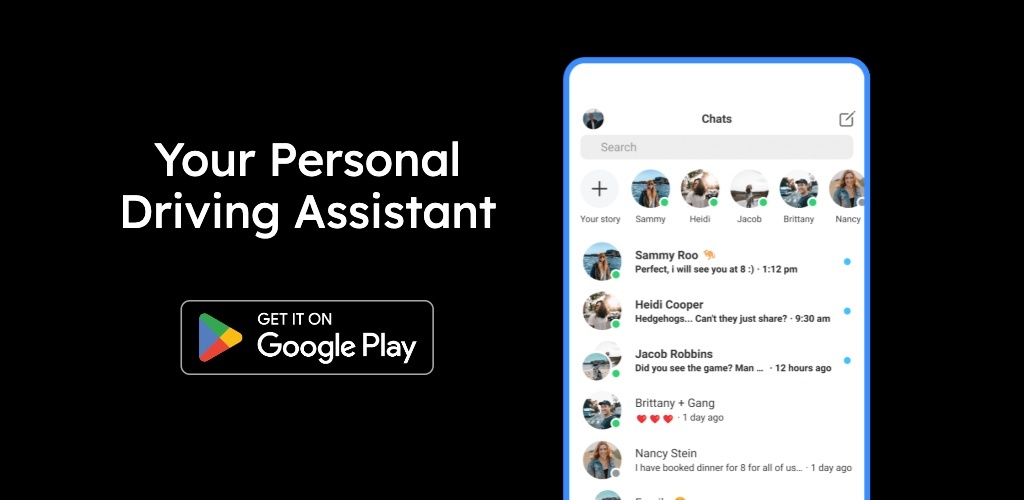
Feature Graphic Template 1Feature Graphic Template 2Feature Graphic Template 3Feature Graphic Template 4Feature Graphic Template 5

Create App Store and Play Store Screenshots in Minutes, Not Hours

Pick a style, drop in your screens, and get a complete set of store-ready screenshots in minutes. AppScreens uses a responsive design engine, so one layout adapts across iOS and Android, in every language. When you’re ready, export upload-ready files or publish straight to App Store Connect and Google Play.

Creating screenshots shouldn’t take a weekend or a design degree.

Watch a walkthrough
Create screenshots for the Apple App StoreCreate screenshots for the Google Play StoreCreate screenshots for the Huawei App GalleryCreate screenshots for the Google Chrome StoreCreate screenshots for the Amazon App StoreCreate screenshots for the Microsoft Store
resize to galaxy
resize to ipad
resize to iphone
resize to pixel6
resize to watch

Start with an App Store Template

500+ pre-built layouts and templates for App Store & Google Play screenshots. Pick a template, customize fast, then export or upload with confidence.

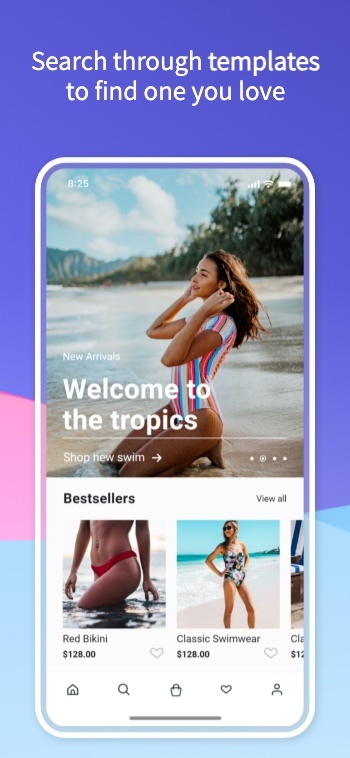
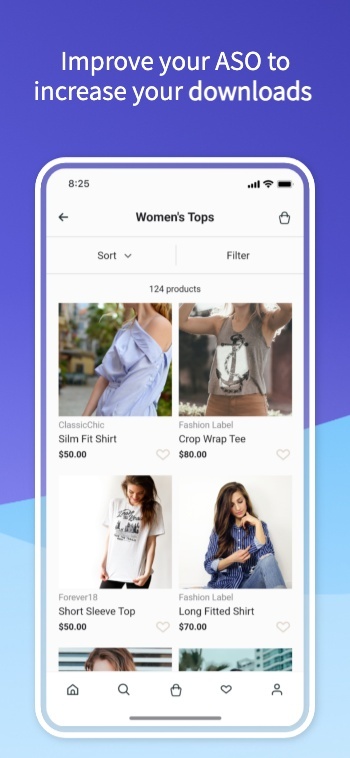
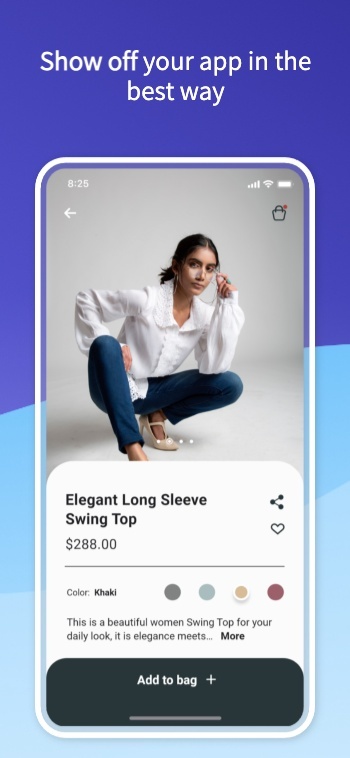
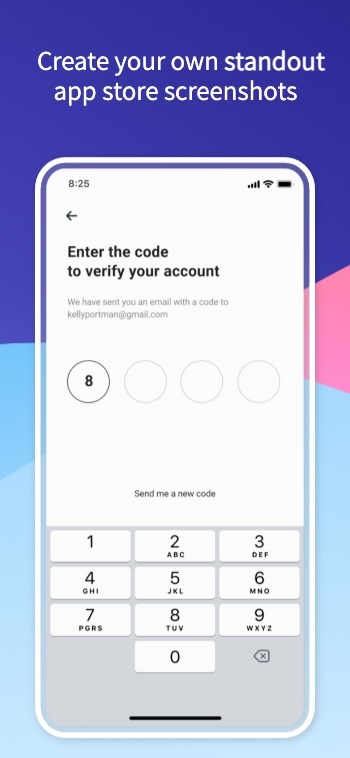
Screenshot 1Screenshot 2Screenshot 3Screenshot 4Screenshot 5Screenshot 6Screenshot 7Screenshot 8Screenshot 9Screenshot 10Screenshot 11Screenshot 12Screenshot 13Screenshot 14Screenshot 15Screenshot 15Screenshot 16Screenshot 17

App Screenshot Mockups

From App to Upload Ready Screenshots

AppScreens turns your app listing details into store-ready screenshots using a single responsive project. Generate every device size, translate into 80 languages (including RTL), export pixel-perfect files, and upload directly to the stores when you’re ready.

Select your appApp Store
Airbnb icon
AirbnbTravel
Dropbox icon
DropboxCloud storage
Loom icon
LoomVideo messages
Uber icon
UberMobility
Selected
Wise icon
WiseFinance
Shop icon
ShopShopping
Cosmos icon
CosmosProductivity
Retro icon
RetroWellness
Automatic uploads

One-click Screenshot Uploads to App Store Connect and Google Play Console

Automatically upload App Store screenshots and Google Play screenshots in one click. Publish every device size and localization without manual exports or drag-drop work.

Coming soon: Ship CPP (Custom Product Pages) and PPO (Product Page Optimization) variants with the same one-click flow.

One-click uploads

App Store Connect

Google Play Console

All localizations

CPP + PPO variants

Publish faster →

Apple App Store Connect

App Store Connect

API Integration

Apple App Store
Uploading 400 assets (10 screenshots × 4 sizes × 10 languages) Live
Google Play Console

Google Play Console

API Integration

Google Play Store
Uploading feature graphic Live

Mockups included: real, clay, and 3D frames

Customize your App Store Screenshots

Customize frames, backgrounds, and titles. Make premium App Store and Google Play screenshots without heavy design work.

Customize hundreds of templates.

Inspired by Kmart: Screenshot 1Inspired by Kmart: Screenshot 2Inspired by Kmart: Screenshot 3Inspired by Kmart: Screenshot 4Inspired by Kmart: Screenshot 5Inspired by Kmart: Screenshot 6Inspired by Kmart: Screenshot 7Inspired by Kmart: Screenshot 8

Device frames.

Text, badges & icons.

Panoramic backgrounds.

Color: Screenshot 1Color: Screenshot 2Color: Screenshot 3Color: Screenshot 4Color: Screenshot 5Color: Screenshot 6Color: Screenshot 7Color: Screenshot 8
See templates

Translate & Localize Screenshots

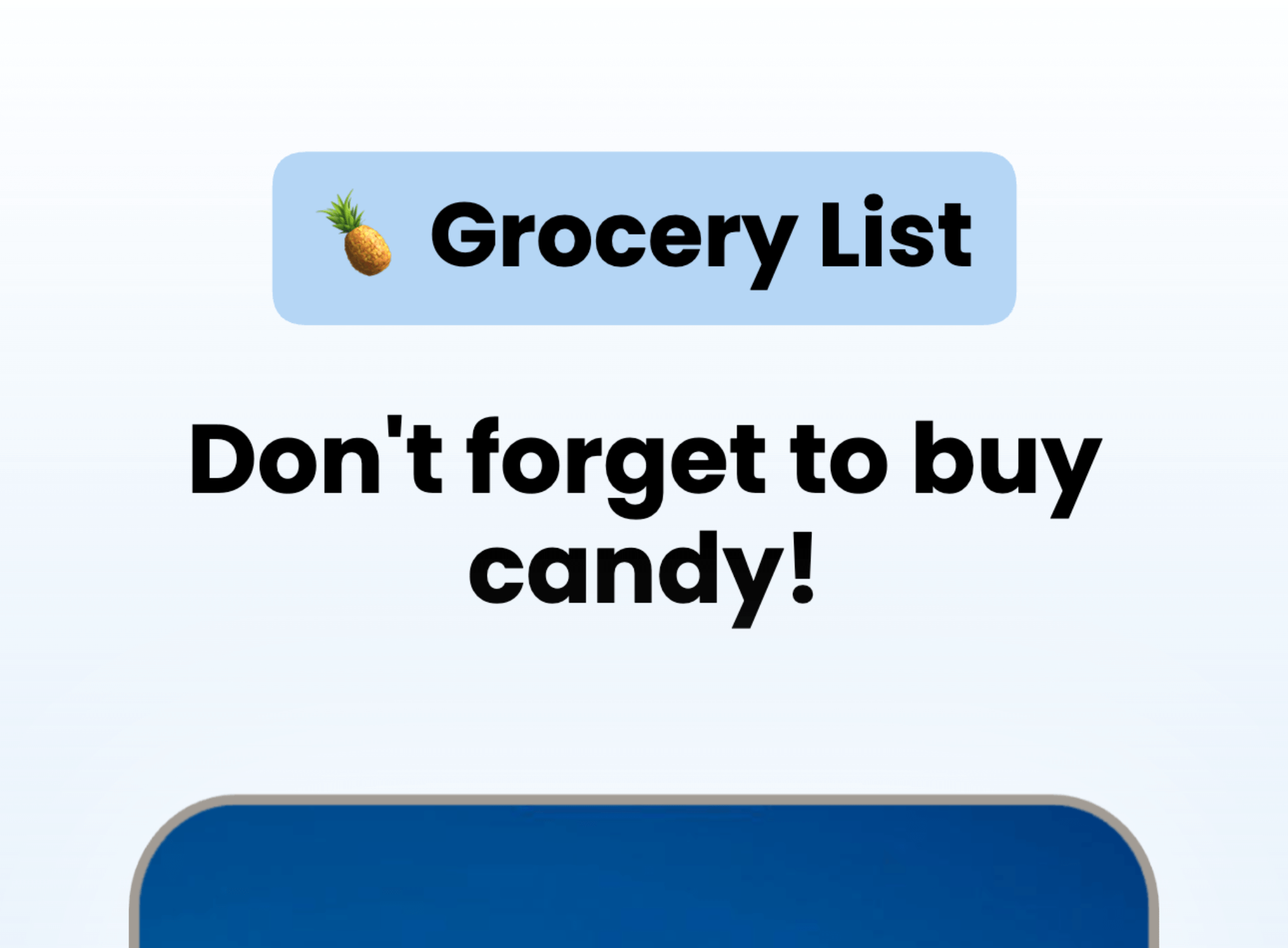
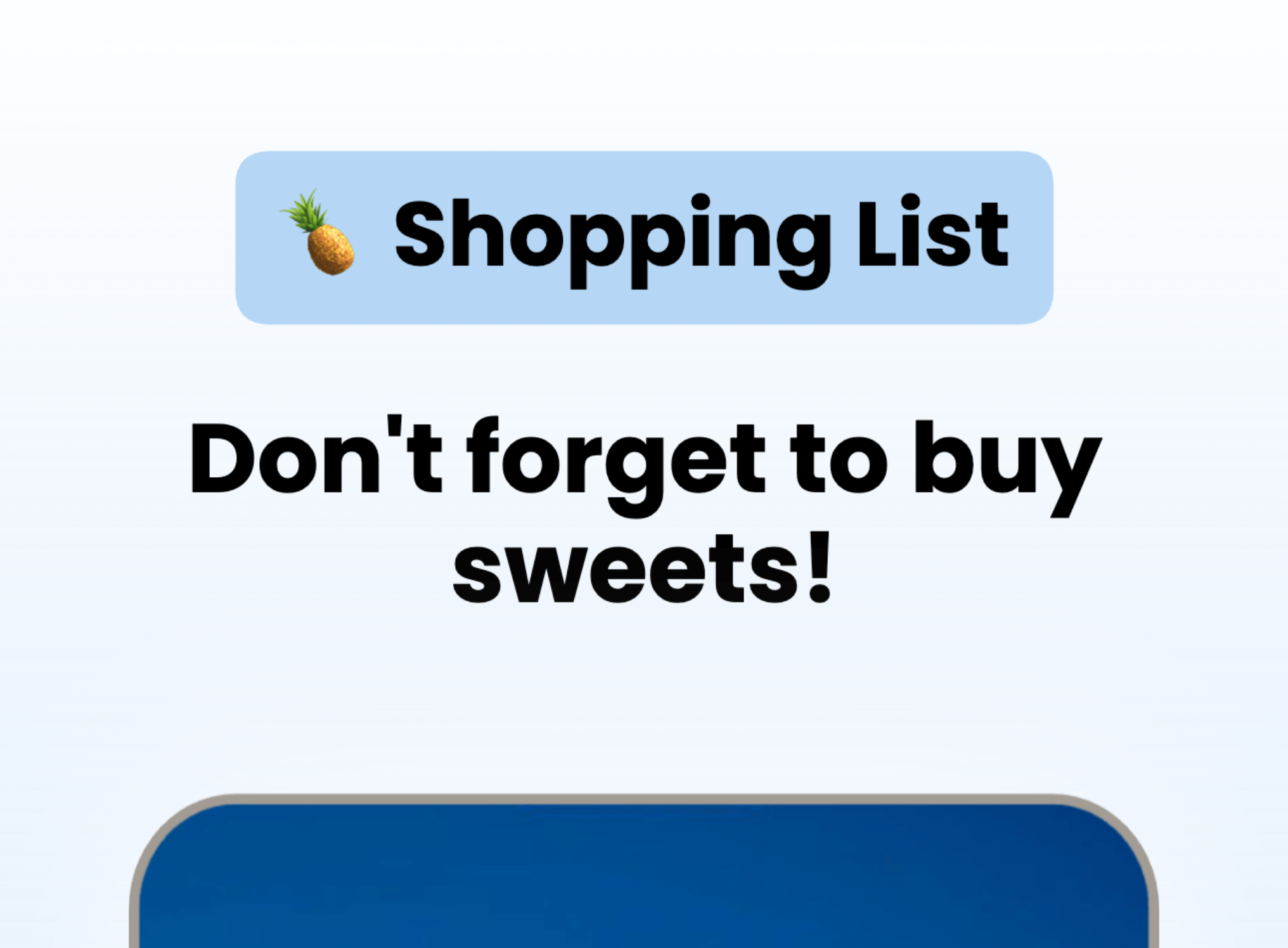
Localize App Store and Google Play screenshots in 80+ Languages

Translate once, then export every language from the same project.

Turn one screenshot set into localized App Store screenshots and Google Play screenshots for every market. AppScreens keeps layouts consistent when text expands, contracts, or flips direction, so your screenshots stay on brand and ready to upload.

Use AI to translate in seconds, then fine-tune per language when you need to. Override captions, fonts, screenshots, and spacing per locale, without duplicating projects or rebuilding layouts.

App Store Optimization = More Downloads

Improve ASO with better screenshots

App store screenshots are your app’s first impression. They help people picture what your app does and decide, in seconds, whether it’s worth installing. Great screenshots do more than look nice.

They explain the value fast, set expectations, and turn browsing into downloads. Ignore them, and you’re leaving one of the biggest levers in App Store Optimization on the table.

Make your value obvious in the first 3 screenshots

Test messaging and styles, measure conversions

Localize the pitch, not just the words

AppScreens makes screenshot iteration painless: restyle your project to a new template, responsive sizing, localization, and upload-ready exports. Using Product Page Optimizations & Experiments, you can try new screenshots, improve conversions and get more downloads in just a few minutes.

9:42

Search

Results

AppScreens icon

AppScreens

Screenshots & ASO

★★★★★4.9 - 2.3k ratings
GET
App Store preview screenshot 7App Store preview screenshot 8App Store preview screenshot 9
FlowShot icon

App

ASO & Product Demos

★★★★☆4.6 - 980 ratings
GET
App Store preview screenshot 10App Store preview screenshot 11App Store preview screenshot 12

We've Boosted Downloads for over 100,000 App Developers

Real feedback from app builders shipping faster and looking sharper on the App Stores.

Clean_Patience_7947
Clean Patiencevia Reddit

“Screenshots from your service increased my install ratio by 11%”

Jaxy Cook
Jax Cvia Product Hunt

“I don't think I could release my app without this tool. It single-handedly creates all the output sizes I need to release my app.”

@MuseumShuffle
@MuseumShufflevia X

“Thanks again for making such a nice tool available to devs. As someone who knows nothing about design or design tools, this was *fantastic* to use to generate my App Store screenshots.”

@claytonlz
@claytonlzvia X

“Really impressed with how easy it was to make 100x better screenshots for StampBrain with @AppScreensASO. Nice work!”

Clean_Patience_7947
Clean Patiencevia Reddit

“Screenshots from your service increased my install ratio by 11%”

Jaxy Cook
Jax Cvia Product Hunt

“I don't think I could release my app without this tool. It single-handedly creates all the output sizes I need to release my app.”

@MuseumShuffle
@MuseumShufflevia X

“Thanks again for making such a nice tool available to devs. As someone who knows nothing about design or design tools, this was *fantastic* to use to generate my App Store screenshots.”

@claytonlz
@claytonlzvia X

“Really impressed with how easy it was to make 100x better screenshots for StampBrain with @AppScreensASO. Nice work!”

User
UserIndie Hacking Legend

“You guys are awesome, thank you so much!”

Dawid S
Dawid SFounder

“If you are looking for a tool for creating perfect screenshots, you are in the right place.”

@perturbaattori
@perturbaattorivia X

“Couldnt be easier to make screenshots for our game @AppScreensASO”

Jean R
Jean RFounder @ The Daily Gain

“It has helped us save countless hours, meet store standardized dimensions and elevate the quality of our screenshots.”

User
UserIndie Hacking Legend

“You guys are awesome, thank you so much!”

Dawid S
Dawid SFounder

“If you are looking for a tool for creating perfect screenshots, you are in the right place.”

@perturbaattori
@perturbaattorivia X

“Couldnt be easier to make screenshots for our game @AppScreensASO”

Jean R
Jean RFounder @ The Daily Gain

“It has helped us save countless hours, meet store standardized dimensions and elevate the quality of our screenshots.”

@thenerd_be
@thenerd_bevia X

“Thank you @AppScreensASO for making this tedious job, a bit more enjoyable.”

Archie
Archievia Email

“This online tool is a real game-changer for freelancers! Its impressive range of inspiring templates allows you to get creative in no time.”

Odie S
Odie SDesigner & Developer

“Thanks so much for the great tool. I managed to create screenshots for my App and I don't have any technical experience.”

@thenerd_be
@thenerd_bevia X

“Thank you @AppScreensASO for making this tedious job, a bit more enjoyable.”

Archie
Archievia Email

“This online tool is a real game-changer for freelancers! Its impressive range of inspiring templates allows you to get creative in no time.”

Odie S
Odie SDesigner & Developer

“Thanks so much for the great tool. I managed to create screenshots for my App and I don't have any technical experience.”

faqFAQs

Frequently asked questions

Can’t find the answer you’re looking for? Reach out to our customer support team.

A feature graphic is a 1024×500 banner image used across Google Play to represent your app and support discovery.
Yes. Google Play requires a feature graphic to publish your store listing.
It can appear as the cover image for your preview video, and in large-format placements on Google Play, including collections and ads.
Use JPEG or a 24-bit PNG with no alpha channel. Export at exactly 1024×500 pixels.
Keep the focal point and key elements centered and avoid placing logos, names, or primary text near the edges where cutoff can happen.
Convey the app or game experience and communicate one clear value signal at a glance.
Avoid fine detail, prominent branding that duplicates your app icon, store badges, device imagery, and claims like “Best”, “#1”, “Free”, “Sale”, or “Million Downloads”.
Yes. Use a similar or complementary style so the feature graphic, icon, and screenshots feel like one cohesive system.
Yes. Add alt text for accessibility. Keep it under 140 characters and describe the most important part of the image.
Start from a template, add your icon, colors, and a short headline, then export a 1024×500 file that’s ready to upload in Play Console.
AppScreens
The App Store Screenshot Generator

Create App Store and Google Play screenshots with templates, responsive resizing, localization, and upload-ready exports.

App Store and Google Play screenshot templates.

Responsive screenshot layouts for every device size.

Custom fonts, text styling, and rich text.

Device frames and app screenshot mockups.

Backgrounds, gradients, and panoramic images.

Bulk import, auto-matching, and organization.

Localization, translation, and RTL support.

Export formats, sizes, and compliance.

Automatic upload to Apple and Google.

ASO workflows and iteration.

Support for all app stores.

AI integration and controls.

Turn visitors into installs

Make your app's value obvious with professional, localized, store-ready screenshots for every app store size. Screenshots ready to export, upload and publish today.