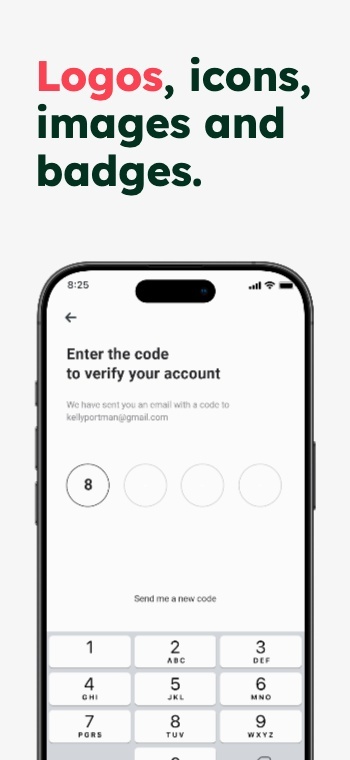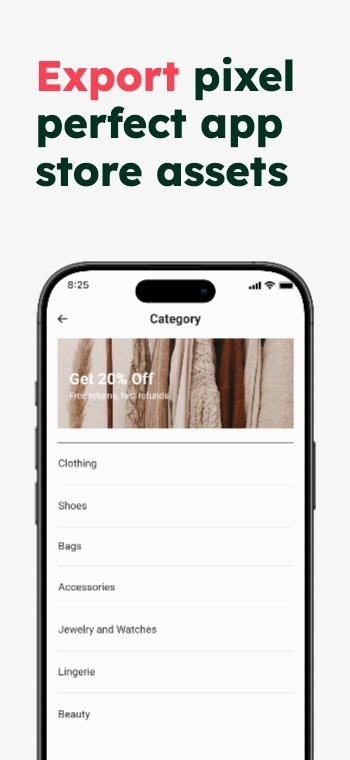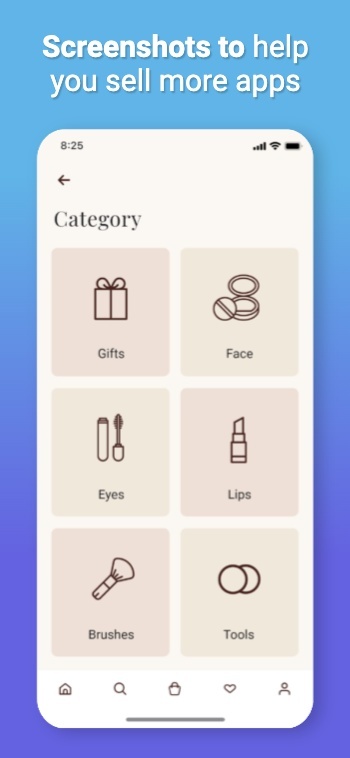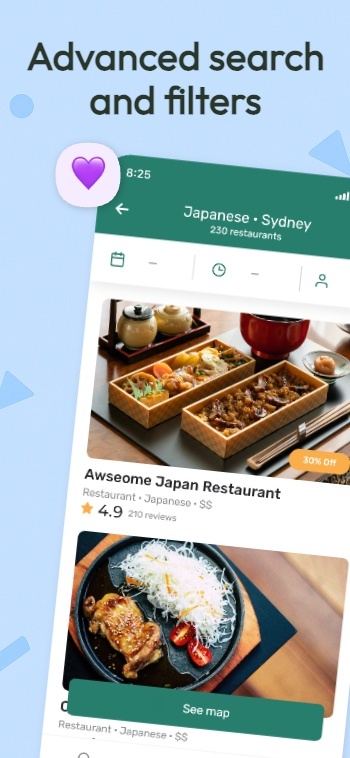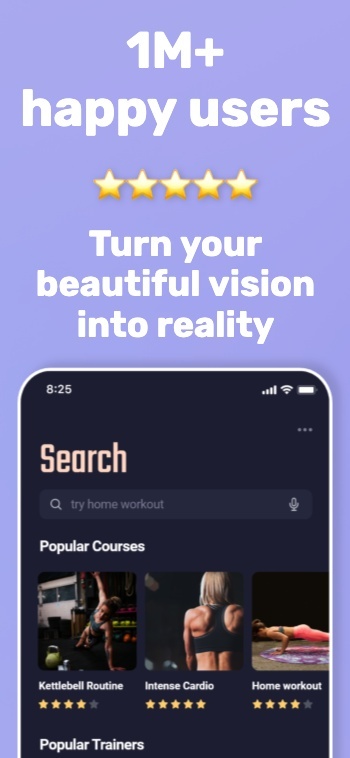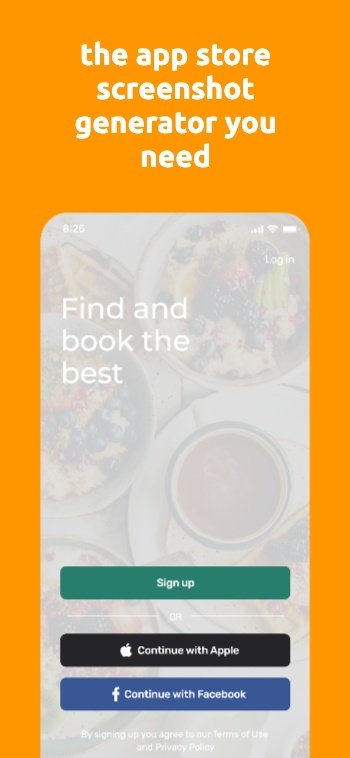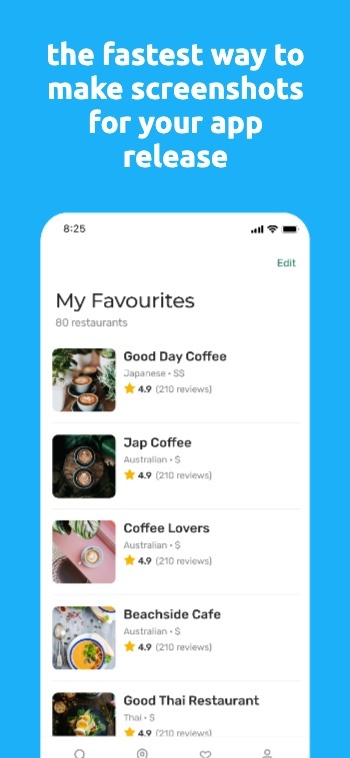

















Background waves
  • apple app store logo
  • google play store logo
  • app store connect logo
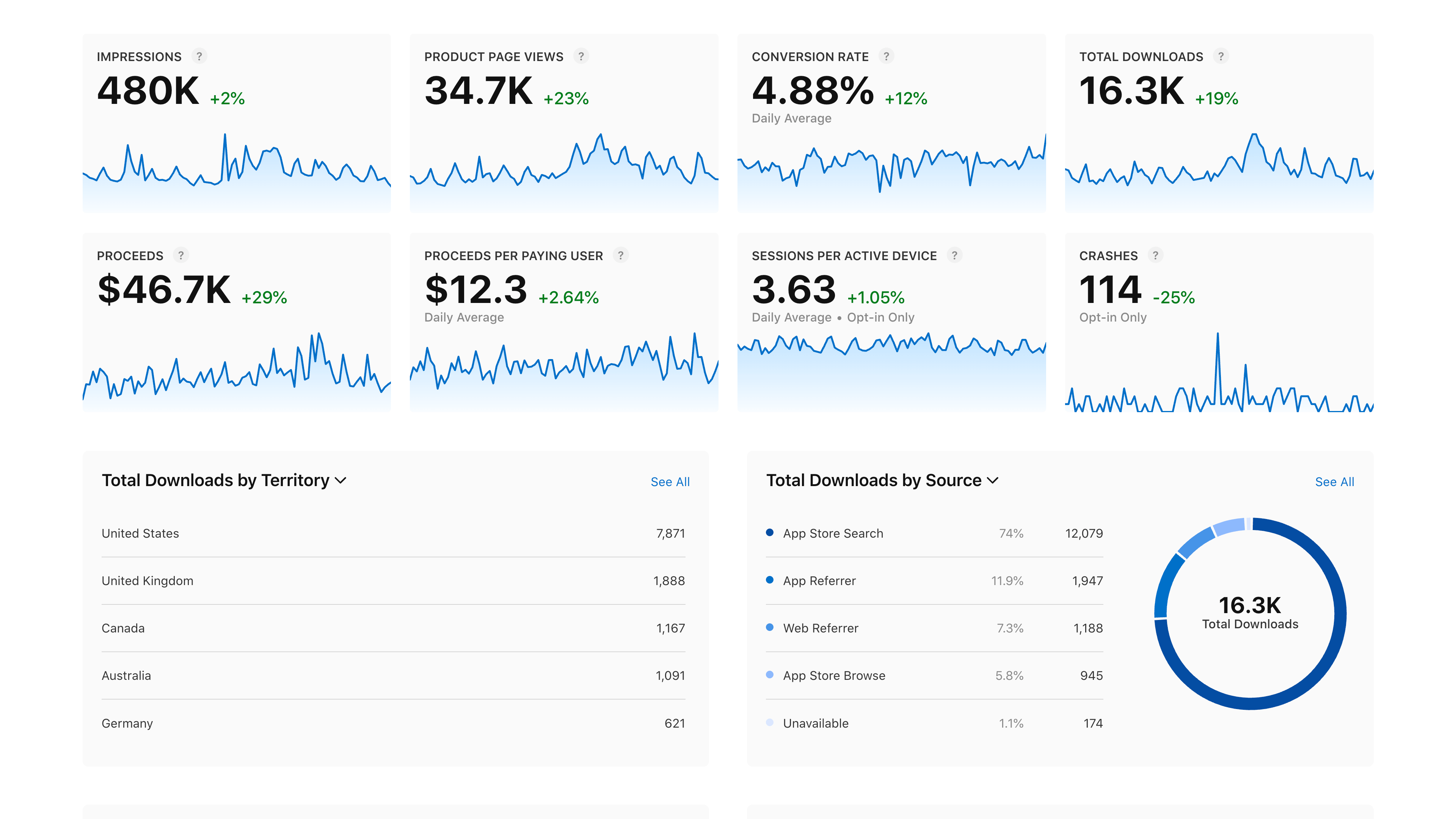
Improve conversions up to 35%

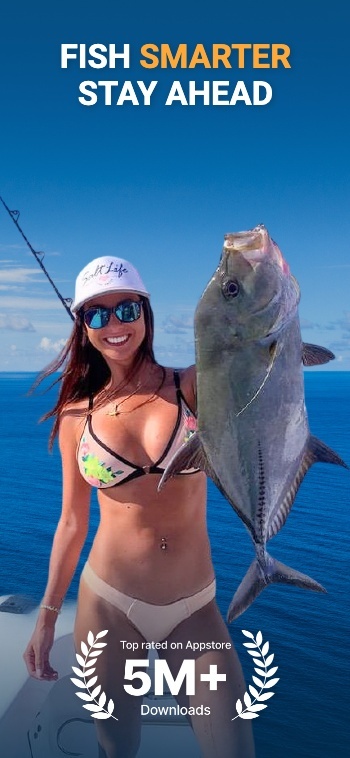
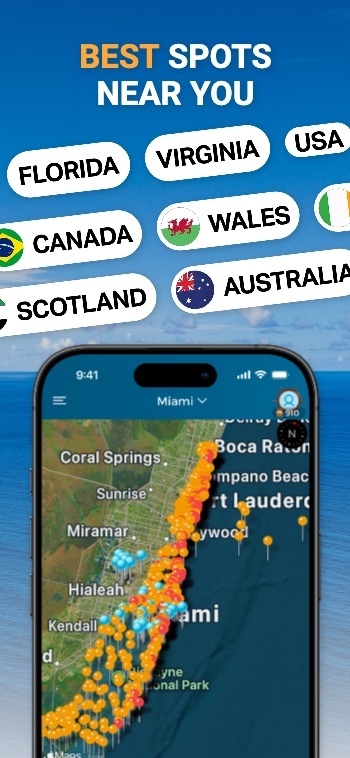
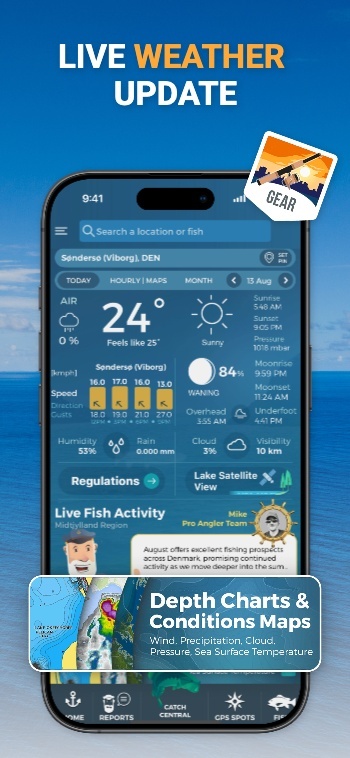
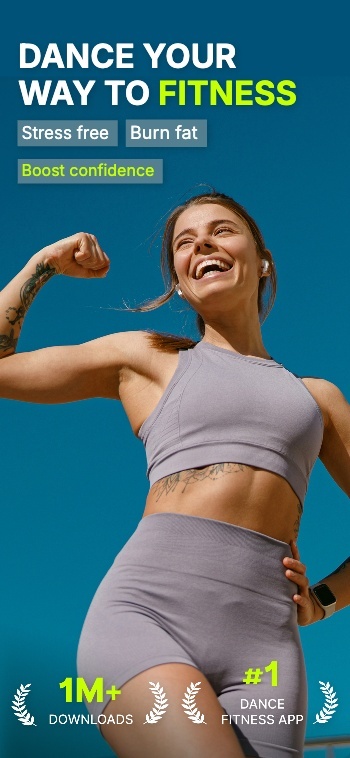
Improve App Store Optimization with Screenshots

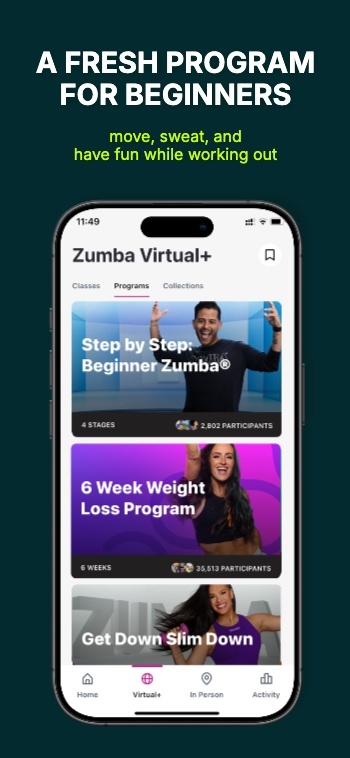
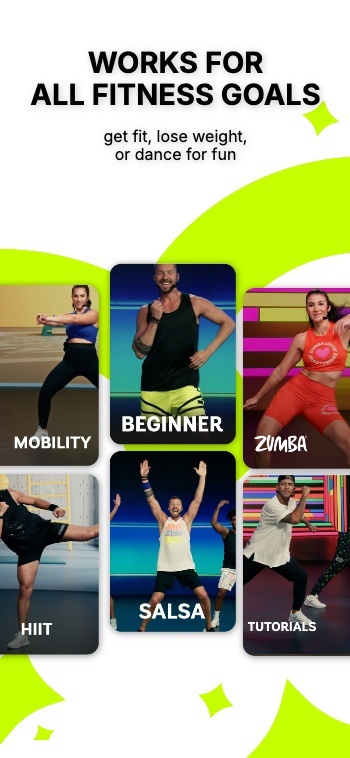
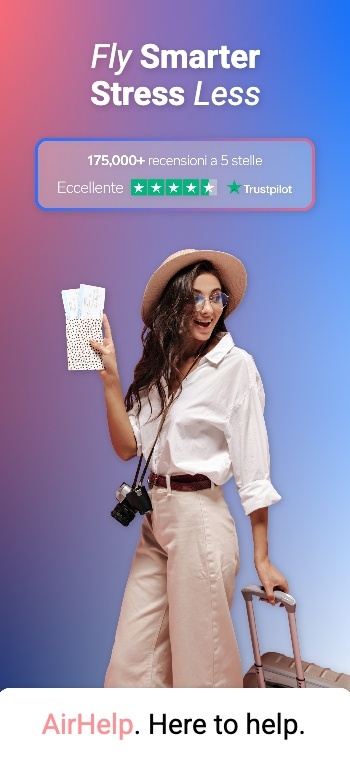
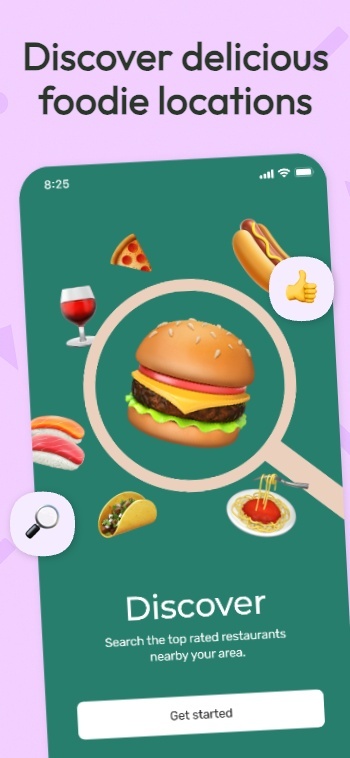
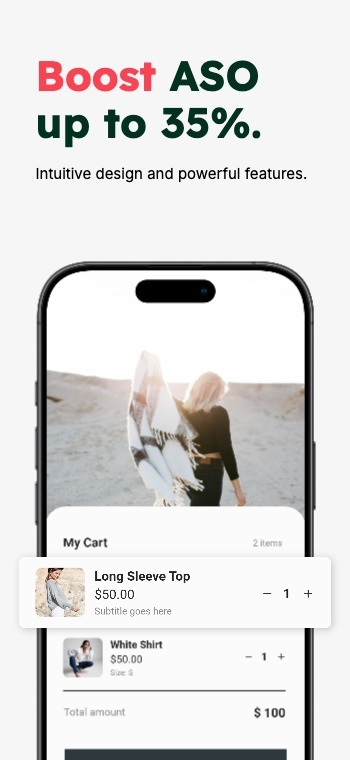
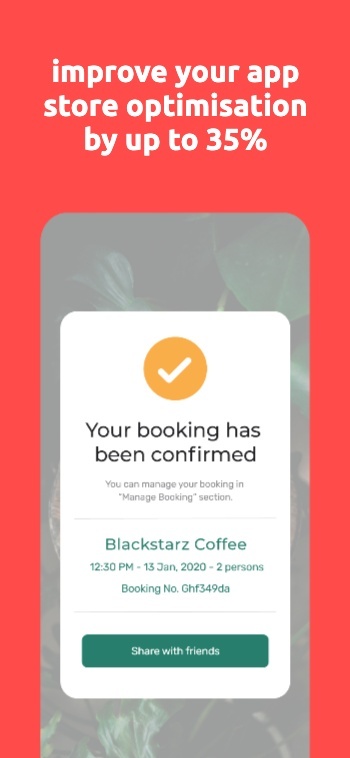
Boost ASO with high converting screenshots for iOS and Android. Create screenshot sets you can A/B test with Experiments, Product Page Optimization or Custom Product Pages to improve conversion on the App Stores.

Background image
AppScreens hero image
100,000+

App professionals

9,472,632

Screenshots created

≈59,210

Developer days saved

As recommended by teams on

AppRadarAppSumoGitHubiOS Dev WeeklyProduct HuntRedditStack OverflowTwitterYouTubeFlutterFlowiOS Dev ToolsApp Masters
Improve App Store Optimization

What is ASO and Why Screenshots Matter

ASO (App Store Optimization) is how you improve your App Store or Google Play listing so the right people find your app and more of them install. It covers what drives discovery (keywords, category, ratings) and what drives conversion once someone lands on your page.

Keywords get you seen, but screenshots get you chosen. They are the first thing most visitors look at, and they decide in seconds whether your app is worth a tap. Great screenshots make the value obvious, show the product in action, and build trust fast.

AppScreens helps you create and test store-ready screenshot variants for iOS and Android so you can run Product Page Optimization, Custom Product Pages, or Google Play Store Listing Experiments without rebuilding assets from scratch.

Improve ASO with screenshots you can ship and test in minutes

9:42

Search

Results

AppScreens icon

AppScreens

Screenshots & ASO

★★★★★4.9 - 2.3k ratings
GET
App Store preview screenshot 7App Store preview screenshot 8App Store preview screenshot 9
FlowShot icon

App

ASO & Product Demos

★★★★☆4.6 - 980 ratings
GET
App Store preview screenshot 10App Store preview screenshot 11App Store preview screenshot 12

Screenshots that improve ASO

ASO is not only about ranking. It is also about what happens after someone lands on your page. Your screenshots are your fastest lever for turning a view into an install.

  • First impressions count, especially the first 3 screenshots
  • Match intent so the visitor instantly feels this is for them
  • Show outcomes and key moments of the experience, not just UI
  • Build trust fast with clarity, consistency, and a clean story flow
  • Make the value obvious in the first 3 seconds
  • Test and iterate with new variants without rebuilding assets

What to A/B test on App Store and Google Play

Start with high-impact, low-effort variables that change the story, not the layout. Change one thing per experiment so you know what caused the lift:

  • Value proposition order: which benefit appears first, second, third
  • Headline framing: outcome-first vs feature-first wording
  • Social proof cues: ratings, awards, trust marks, testimonials
  • Visual emphasis: hero screen choice, zoom level, UI context
  • Category clarity: who it’s for, and what job it does for them
  • Localization variants: message that resonates in each market
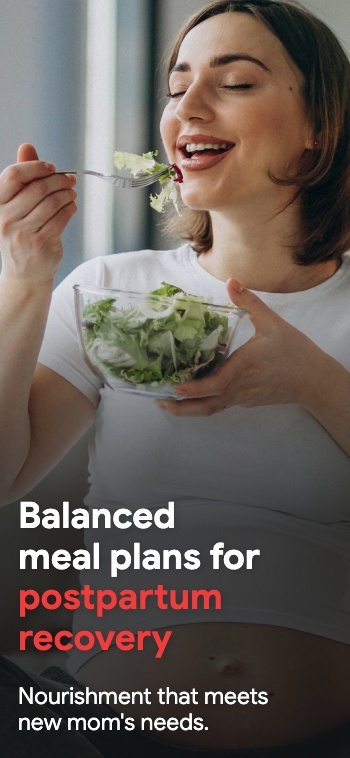
ScreenshotScreenshotScreenshotScreenshotScreenshotScreenshotScreenshotScreenshotScreenshotScreenshot

Create App Store and Play Store Screenshots in Minutes, Not Hours

Pick a style, drop in your screens, and get a complete set of store-ready screenshots in minutes. AppScreens uses a responsive design engine, so one layout adapts across iOS and Android, in every language. When you’re ready, export upload-ready files or publish straight to App Store Connect and Google Play.

Creating screenshots shouldn’t take a weekend or a design degree.

Watch a walkthrough
Create screenshots for the Apple App StoreCreate screenshots for the Google Play StoreCreate screenshots for the Huawei App GalleryCreate screenshots for the Google Chrome StoreCreate screenshots for the Amazon App StoreCreate screenshots for the Microsoft Store
resize to galaxy
resize to ipad
resize to iphone
resize to pixel6
resize to watch

Start with an App Store Template

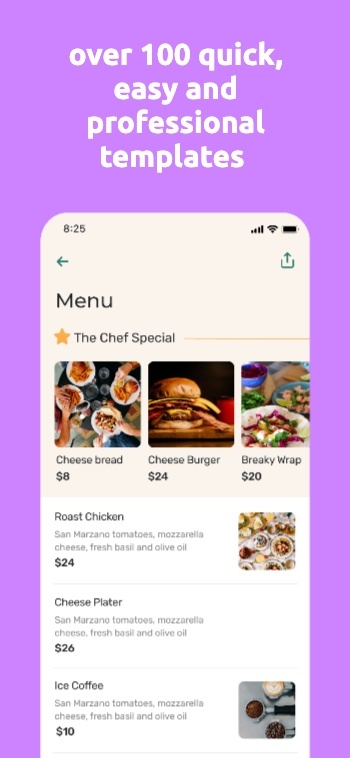
500+ pre-built layouts and templates for App Store & Google Play screenshots. Pick a template, customize fast, then export or upload with confidence.

Screenshot 1Screenshot 2Screenshot 3Screenshot 4Screenshot 5Screenshot 6Screenshot 7Screenshot 8Screenshot 9Screenshot 10Screenshot 11Screenshot 12Screenshot 13Screenshot 14Screenshot 15Screenshot 15Screenshot 16Screenshot 17

App Screenshot Mockups

From App to Upload Ready Screenshots

AppScreens turns your app listing details into store-ready screenshots using a single responsive project. Generate every device size, translate into 80 languages (including RTL), export pixel-perfect files, and upload directly to the stores when you’re ready.

Select your appApp Store
Airbnb icon
AirbnbTravel
Dropbox icon
DropboxCloud storage
Loom icon
LoomVideo messages
Uber icon
UberMobility
Selected
Wise icon
WiseFinance
Shop icon
ShopShopping
Cosmos icon
CosmosProductivity
Retro icon
RetroWellness
Automatic uploads

One-click Screenshot Uploads to App Store Connect and Google Play Console

Automatically upload App Store screenshots and Google Play screenshots in one click. Publish every device size and localization without manual exports or drag-drop work.

Coming soon: Ship CPP (Custom Product Pages) and PPO (Product Page Optimization) variants with the same one-click flow.

One-click uploads

App Store Connect

Google Play Console

All localizations

CPP + PPO variants

Publish faster →

Apple App Store Connect

App Store Connect

API Integration

Apple App Store
Uploading 400 assets (10 screenshots × 4 sizes × 10 languages) Live
Google Play Console

Google Play Console

API Integration

Google Play Store
Uploading feature graphic Live

Mockups included: real, clay, and 3D frames

Customize your App Store Screenshots

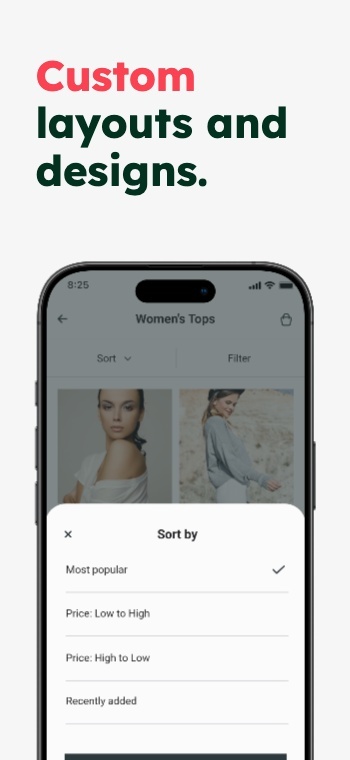
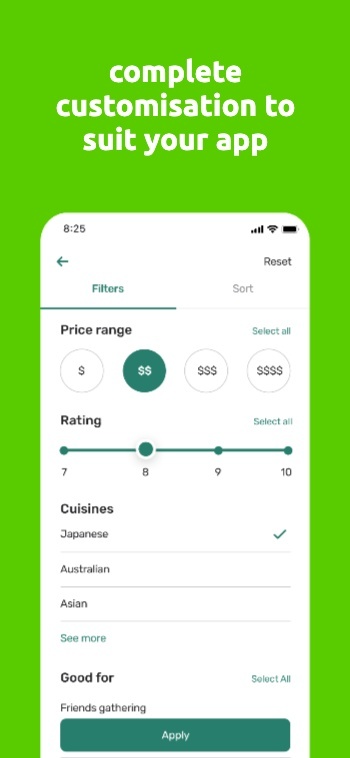
Customize frames, backgrounds, and titles. Make premium App Store and Google Play screenshots without heavy design work.

Customize hundreds of templates.

Inspired by Kmart: Screenshot 1Inspired by Kmart: Screenshot 2Inspired by Kmart: Screenshot 3Inspired by Kmart: Screenshot 4Inspired by Kmart: Screenshot 5Inspired by Kmart: Screenshot 6Inspired by Kmart: Screenshot 7Inspired by Kmart: Screenshot 8

Device frames.

Text, badges & icons.

Panoramic backgrounds.

Color: Screenshot 1Color: Screenshot 2Color: Screenshot 3Color: Screenshot 4Color: Screenshot 5Color: Screenshot 6Color: Screenshot 7Color: Screenshot 8
See templates

Translate & Localize Screenshots

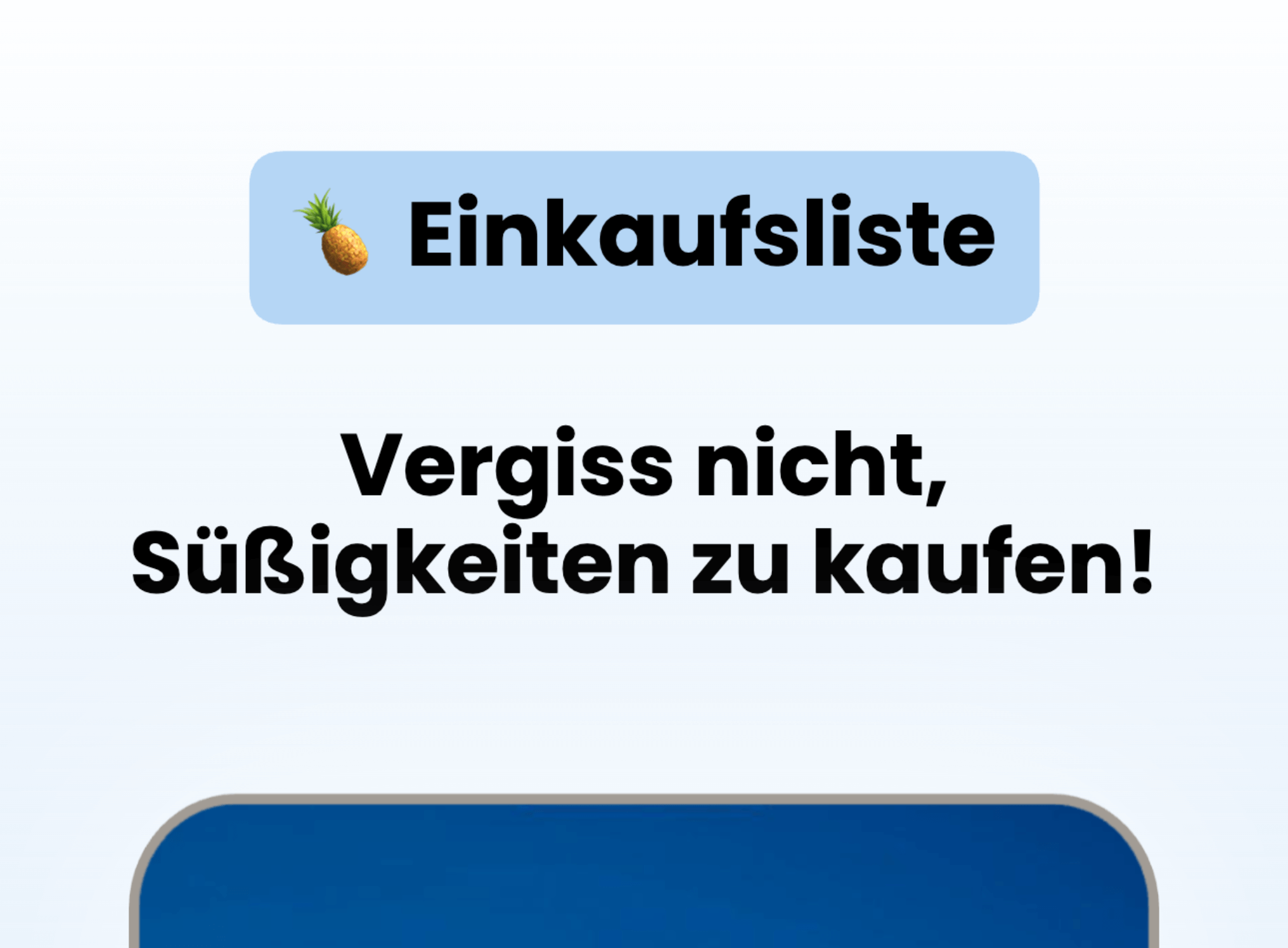
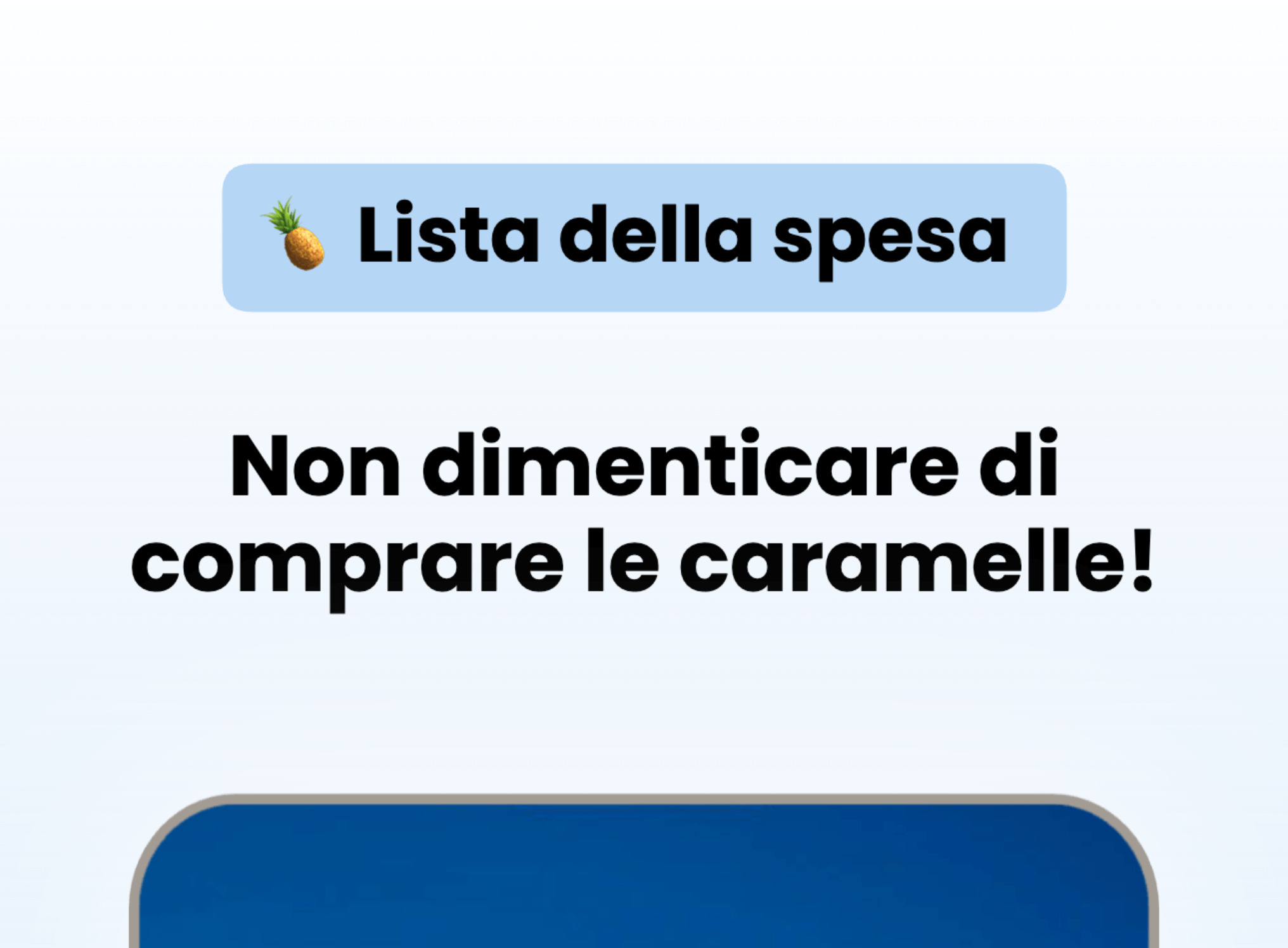
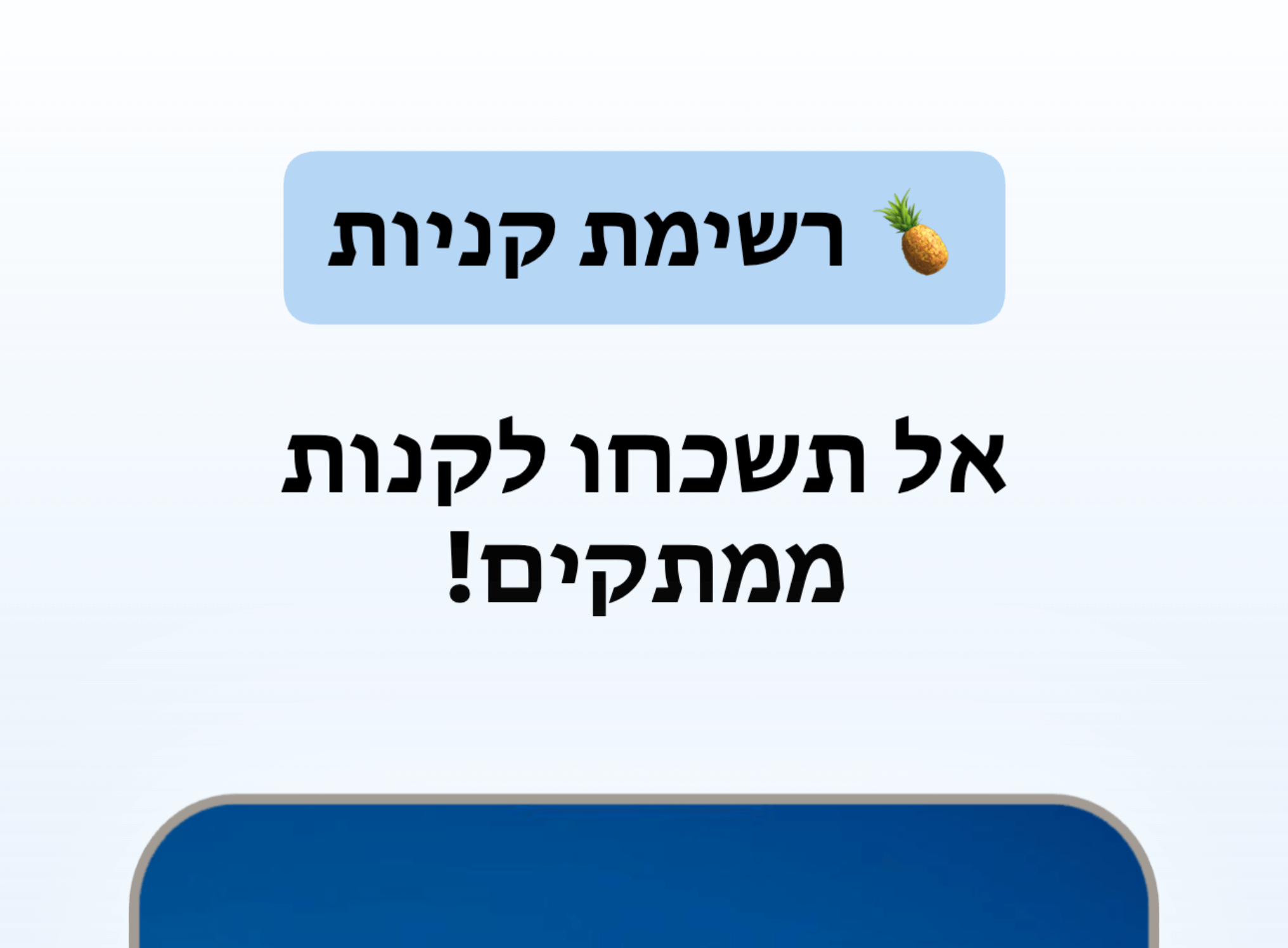
Localize App Store and Google Play screenshots in 80+ Languages

Translate once, then export every language from the same project.

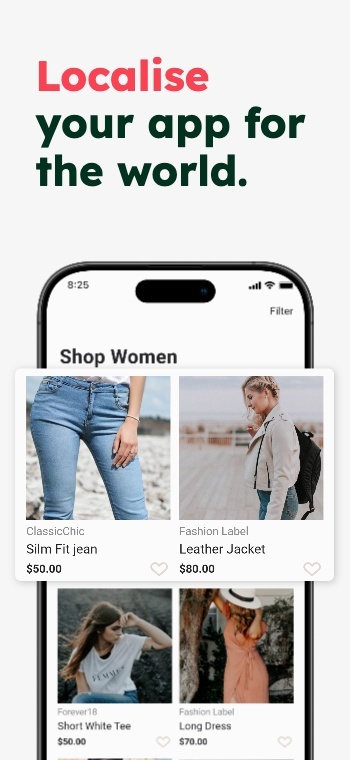
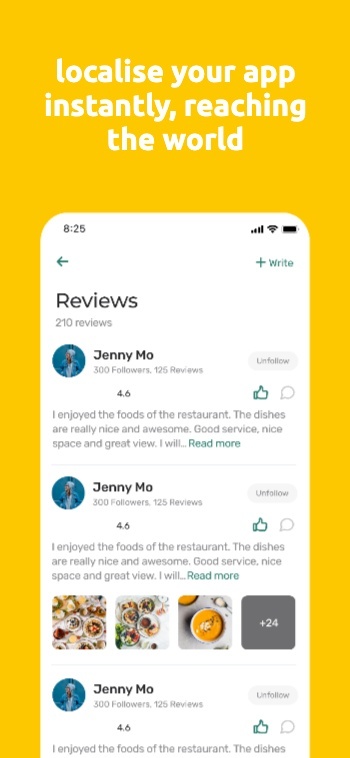
Turn one screenshot set into localized App Store screenshots and Google Play screenshots for every market. AppScreens keeps layouts consistent when text expands, contracts, or flips direction, so your screenshots stay on brand and ready to upload.

Use AI to translate in seconds, then fine-tune per language when you need to. Override captions, fonts, screenshots, and spacing per locale, without duplicating projects or rebuilding layouts.

App Store Optimization = More Downloads

Improve ASO with better screenshots

App store screenshots are your app’s first impression. They help people picture what your app does and decide, in seconds, whether it’s worth installing. Great screenshots do more than look nice.

They explain the value fast, set expectations, and turn browsing into downloads. Ignore them, and you’re leaving one of the biggest levers in App Store Optimization on the table.

Make your value obvious in the first 3 screenshots

Test messaging and styles, measure conversions

Localize the pitch, not just the words

AppScreens makes screenshot iteration painless: restyle your project to a new template, responsive sizing, localization, and upload-ready exports. Using Product Page Optimizations & Experiments, you can try new screenshots, improve conversions and get more downloads in just a few minutes.

9:42

Search

Results

AppScreens icon

AppScreens

Screenshots & ASO

★★★★★4.9 - 2.3k ratings
GET
App Store preview screenshot 7App Store preview screenshot 8App Store preview screenshot 9
FlowShot icon

App

ASO & Product Demos

★★★★☆4.6 - 980 ratings
GET
App Store preview screenshot 10App Store preview screenshot 11App Store preview screenshot 12

We've Boosted Downloads for over 100,000 App Developers

Real feedback from app builders shipping faster and looking sharper on the App Stores.

Robin G
Robin GCreator @ CapAwesome

“I am really impressed 🤩 It has a lot of potential. I'll definitely keep using it.”

@thenerd_be
@thenerd_bevia X

“Thank you @AppScreensASO for making this tedious job, a bit more enjoyable.”

Treeger
Treegervia AppSumo

“Let's face it. Creating, Resizing, Managing screenshots just take too much time. With AppScreens, you can create professional looking screenshots will take less than 15 mins.”

@perturbaattori
@perturbaattorivia X

“Couldnt be easier to make screenshots for our game @AppScreensASO”

Robin G
Robin GCreator @ CapAwesome

“I am really impressed 🤩 It has a lot of potential. I'll definitely keep using it.”

@thenerd_be
@thenerd_bevia X

“Thank you @AppScreensASO for making this tedious job, a bit more enjoyable.”

Treeger
Treegervia AppSumo

“Let's face it. Creating, Resizing, Managing screenshots just take too much time. With AppScreens, you can create professional looking screenshots will take less than 15 mins.”

@perturbaattori
@perturbaattorivia X

“Couldnt be easier to make screenshots for our game @AppScreensASO”

@mateenchitrali
@mateenchitralivia X

“AppScreens is a fantastic tool that makes it super easy to create stunning, professional screenshots for your app store listings.”

@sleepyBeeeee
@sleepyBeeeeevia X

“Shoutout to AppScreens for a great app screen generator. Intuitive, comprehensive, and easy to use!”

@claytonlz
@claytonlzvia X

“Really impressed with how easy it was to make 100x better screenshots for StampBrain with @AppScreensASO. Nice work!”

Alfred
Alfredvia Email

“I highly recommend AppScreens to all developers. Screenshots generated on AppScreens platform are so great for app user experience.”

@mateenchitrali
@mateenchitralivia X

“AppScreens is a fantastic tool that makes it super easy to create stunning, professional screenshots for your app store listings.”

@sleepyBeeeee
@sleepyBeeeeevia X

“Shoutout to AppScreens for a great app screen generator. Intuitive, comprehensive, and easy to use!”

@claytonlz
@claytonlzvia X

“Really impressed with how easy it was to make 100x better screenshots for StampBrain with @AppScreensASO. Nice work!”

Alfred
Alfredvia Email

“I highly recommend AppScreens to all developers. Screenshots generated on AppScreens platform are so great for app user experience.”

Sri
Srivia AppSumo

“The thing I love about this tool is that you can export the screenshots to fit all device sizes in one single click.”

Chuck C
Chuck Cvia Email

“Super happy with Appscreens! I was fussing around with ChatGPT for a full day trying to create something as well as photoshop. I am very happy and I wanted to thank you all!”

Jean R
Jean RFounder @ The Daily Gain

“It has helped us save countless hours, meet store standardized dimensions and elevate the quality of our screenshots.”

Sri
Srivia AppSumo

“The thing I love about this tool is that you can export the screenshots to fit all device sizes in one single click.”

Chuck C
Chuck Cvia Email

“Super happy with Appscreens! I was fussing around with ChatGPT for a full day trying to create something as well as photoshop. I am very happy and I wanted to thank you all!”

Jean R
Jean RFounder @ The Daily Gain

“It has helped us save countless hours, meet store standardized dimensions and elevate the quality of our screenshots.”

faqFAQs

Frequently asked questions

Can’t find the answer you’re looking for? Reach out to our customer support team.

App Store Optimization (ASO) is the process of improving an app’s visibility in app stores and increasing the percentage of visitors who install after viewing your product page. ASO combines keyword strategy (to rank for relevant searches) and conversion rate optimization (to turn store views into installs) across the Apple App Store and Google Play.
Improving ASO helps you get more installs from the traffic you already have and build a more sustainable acquisition channel. When your store listing converts better, it can also improve the efficiency of paid campaigns because more clicks turn into installs.
  • More qualified users from relevant searches
  • Lower effective acquisition cost due to stronger conversion
  • Compounding gains when you consistently test and iterate
If you need fast wins, focus on the elements that influence tap-through and installs the most:
  1. Screenshot set: clarify value in the first 3 frames and show real outcomes.
  2. Title, subtitle, short description: align to high-intent keywords and user needs.
  3. Icon: ensure legibility at small sizes and strong category fit.
  4. Ratings and reviews: respond, learn, and reduce friction that causes low ratings.
Then validate changes with native A/B testing before rolling out broadly.
Screenshots influence ASO by improving conversion rate, which is closely tied to installs. They also shape the first impression on the search results page and product page.
  • They explain your value fast for skimmers.
  • They reduce uncertainty by showing real UI and outcomes.
  • They differentiate you from similar apps in the same category.
High-converting screenshots communicate one clear idea per frame and guide users through a simple story:
  • Lead with the primary benefit (not a feature list).
  • Use short, scannable captions that match how users search and decide.
  • Show real UI with highlights that point to outcomes.
  • Build a narrative: problem, solution, proof, differentiation, trust.
  • Optimize for small screens: large text, strong contrast, minimal clutter.
Use as many as you can support with a coherent story and strong visuals. Most teams prioritize the first 3 screenshots because they often receive the most attention and can be visible early in the browsing flow. A practical approach:
  • First 3: your main value proposition, key differentiator, and proof.
  • Next set: deeper features, use cases, and trust signals.
  • Final frames: advanced workflows, integrations, or social proof.
The first 3 screenshots should answer the questions users subconsciously ask:
  1. What is this? (category clarity in 1 second)
  2. Why do I need it? (primary benefit and outcome)
  3. Why this app? (differentiator, credibility, proof)
Make each frame stand alone, because users often swipe quickly or only view a portion of the set.
Yes. The stores present assets differently and users behave differently, so you should tailor your approach:
  • Apple App Store: screenshots are commonly tested with Product Page Optimization. You can tailor visuals to audiences with Custom Product Pages.
  • Google Play: screenshots support conversion alongside the feature graphic and listing content, and you can test variants with Store Listing Experiments.
Maintain consistent brand cues, but adapt messaging and ordering based on each store’s layout and your audience.
Native testing helps you validate which screenshot set drives more installs.
  • iOS: use Product Page Optimization to test screenshot order, messaging, and visual style. Use Custom Product Pages for campaign-specific variants.
  • Android: use Store Listing Experiments to test screenshot sets and other listing assets.
Run one clear hypothesis at a time, keep variants meaningfully different, and measure conversion changes over a stable period.
Localization is more than translation. It aligns your visuals to how users in each market think and buy.
  • Translate benefits, not just words.
  • Use culturally familiar examples and terminology.
  • Adapt pricing, units, and formats (currency, dates, measurements).
  • Validate with performance: treat each locale as its own testable funnel.
Start with your highest-potential markets, then expand based on results.
Screenshot captions are primarily a conversion lever, not a direct keyword ranking field. That said, using the same language users search for can improve clarity and relevance, which can increase installs. Best practice: align screenshot messaging with your keyword strategy, but prioritize human readability and a clear value story.
AI and ASO platforms can speed up ideation, iteration, and decision-making so you ship better tests faster:
  • Competitor intelligence: spot trends in messaging, layout, and positioning.
  • Keyword intelligence: align benefits to high-intent search behavior.
  • ASO automation: update and manage store assets across versions and locales.
  • Ratings and review management: identify pain points to address in screenshots and copy.
  • Analytics tracking: connect creative changes to conversion impact.
Use AI to create more testable variants, then let experiments decide what wins.

Track the funnel from impression to install and watch for changes after each test:
  • Product page conversion rate (store views to installs)
  • Tap-through rate (search or browse impressions to page views)
  • Installs by source (search, browse, paid, referrals)
  • Retention and quality (to ensure you attract the right users)
If conversion improves but retention drops, adjust the messaging to better match the real experience.
ASO optimizes app listings in app stores, while SEO optimizes web pages in search engines. Both use keywords and conversion thinking, but ASO focuses on store-specific elements like app title, subtitle/short description, screenshots, ratings, and store experiments.
Competitor insights help you understand what works in your category and where you can differentiate. Look for patterns in top-ranked apps across keywords, messaging, screenshot structure, localization choices, and update cadence. Then create a hypothesis you can test with new screenshot sets and metadata changes.
Update screenshots when you have a new value proposition to communicate, you launch a meaningful feature, seasonality changes demand, or tests show your current set is underperforming. Keep changes measurable by updating with a clear hypothesis and testing before rolling out globally.

AppScreens
The App Store Screenshot Generator

Create App Store and Google Play screenshots with templates, responsive resizing, localization, and upload-ready exports.

App Store and Google Play screenshot templates.

Responsive screenshot layouts for every device size.

Custom fonts, text styling, and rich text.

Device frames and app screenshot mockups.

Backgrounds, gradients, and panoramic images.

Bulk import, auto-matching, and organization.

Localization, translation, and RTL support.

Export formats, sizes, and compliance.

Automatic upload to Apple and Google.

ASO workflows and iteration.

Support for all app stores.

AI integration and controls.

Turn visitors into installs

Make your app's value obvious with professional, localized, store-ready screenshots for every app store size. Screenshots ready to export, upload and publish today.